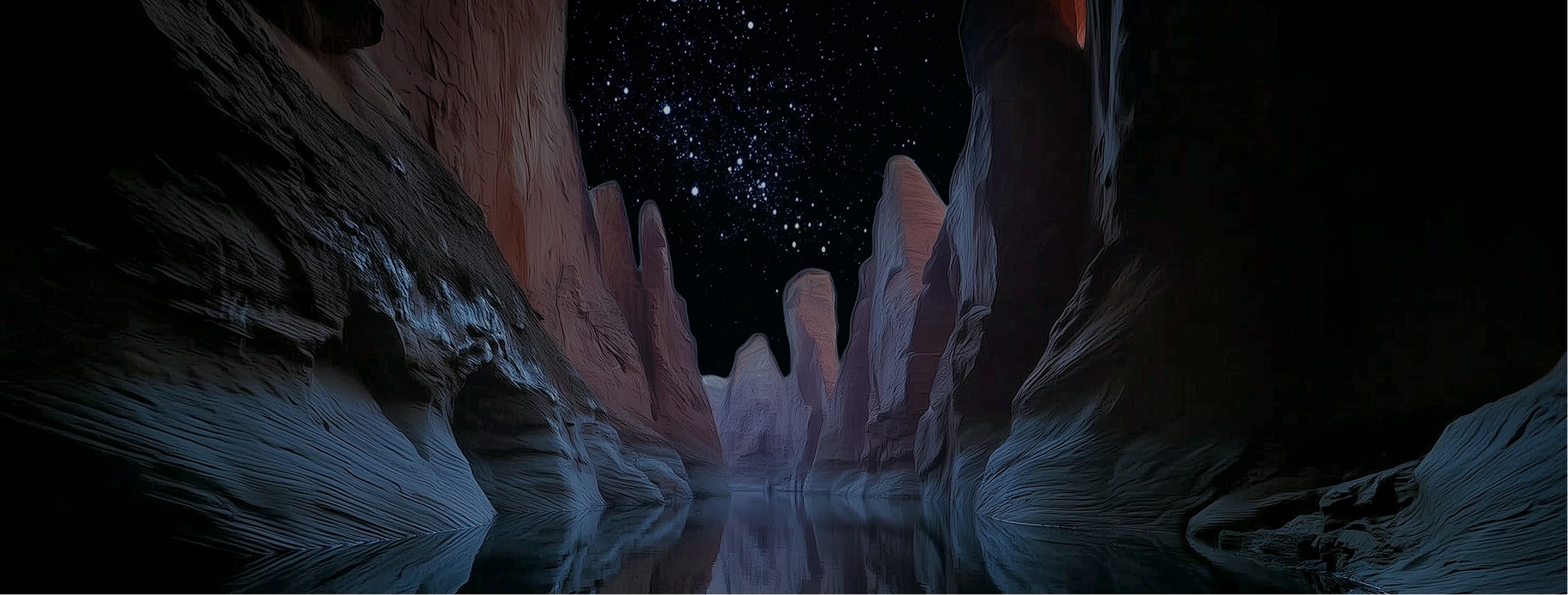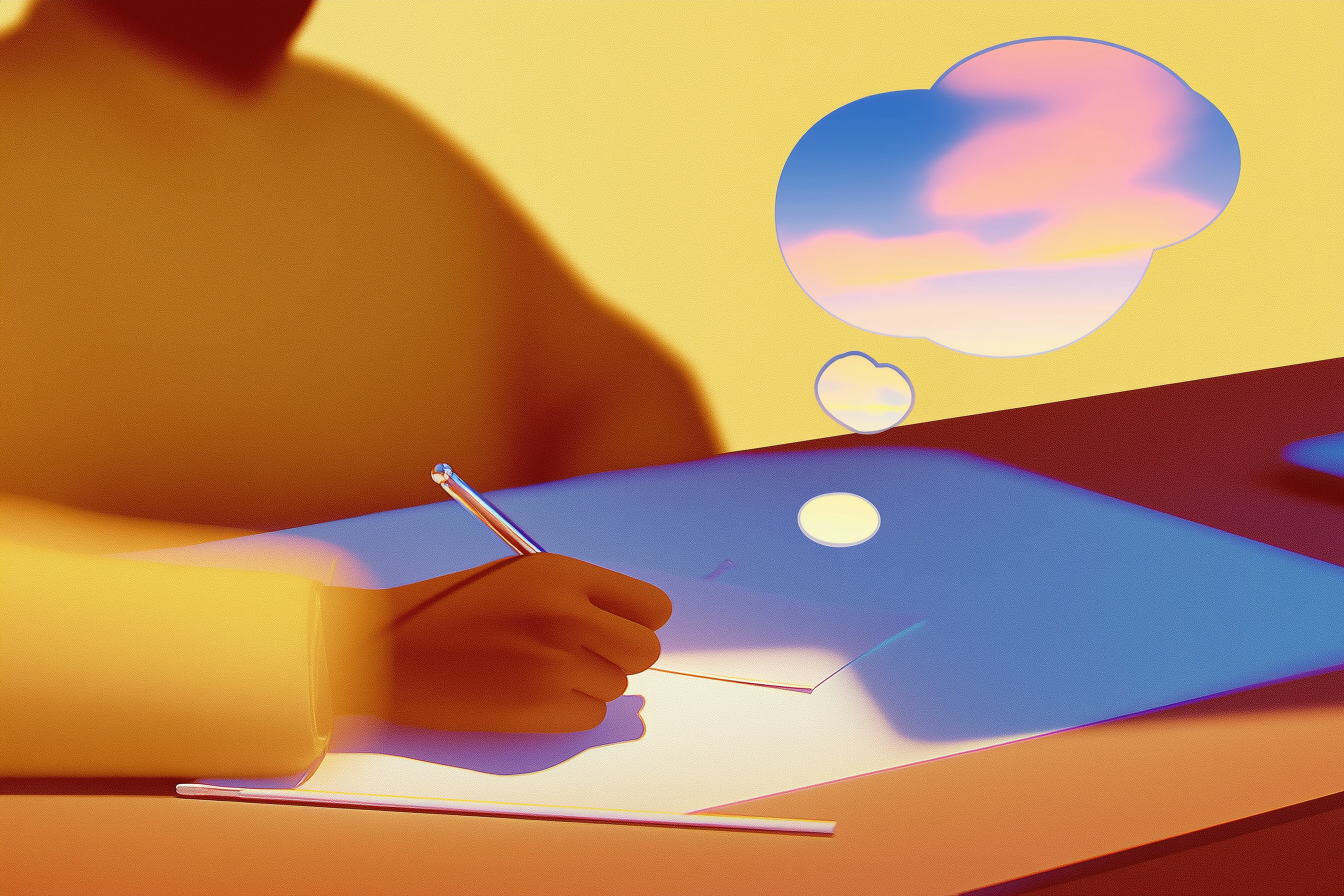
When you think of creating an AI image, you're probably thinking of text-to-image AI—the type where you type a prompt and get an image back.
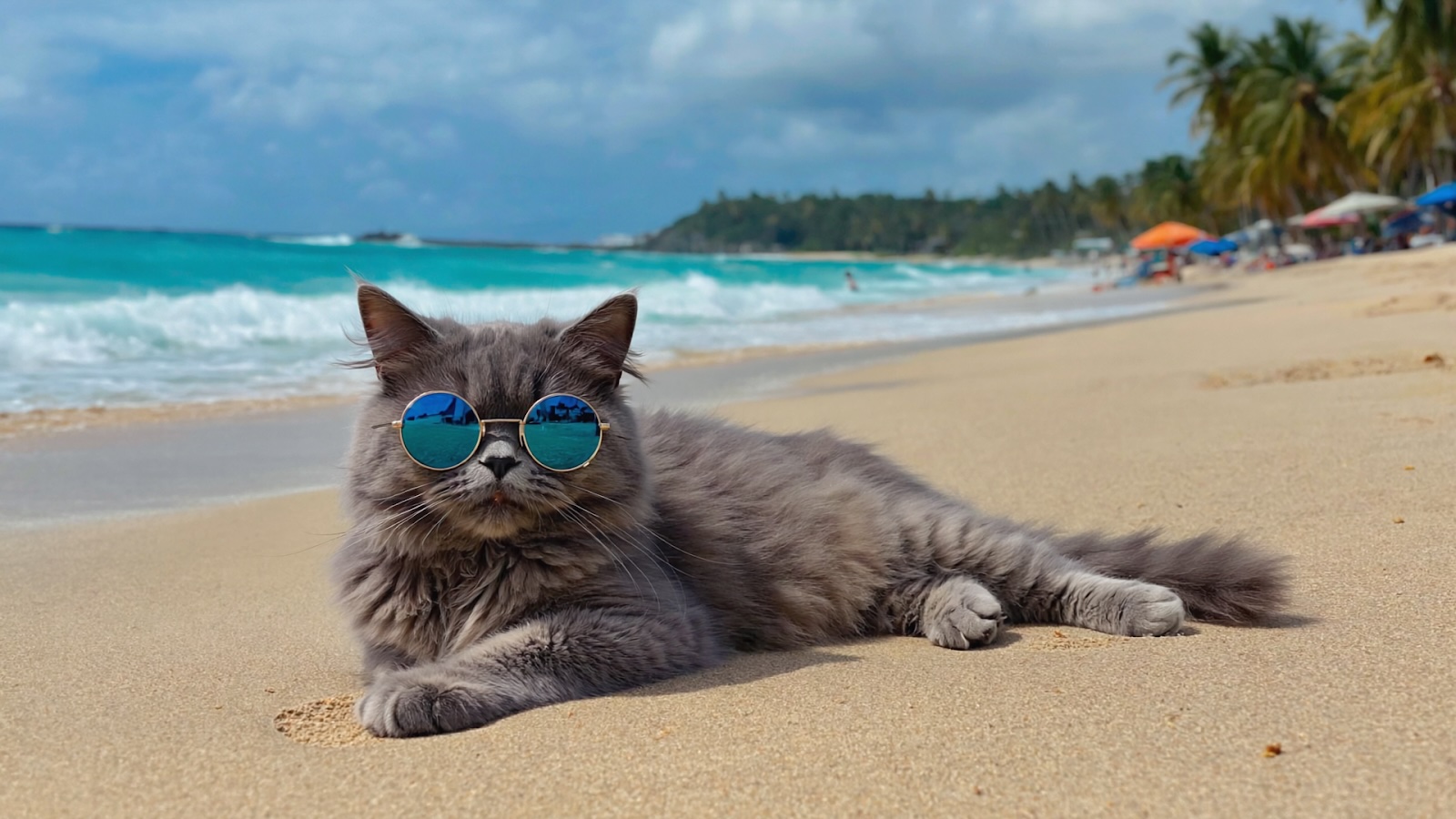
Like LLMs like ChatGPT and Claude, AI image generators use natural language processing to create high-quality images. They understand conversational prompts without requiring technical specs or lengthy descriptions. You can write "a cat wearing sunglasses on a beach" and get exactly that. The barrier to entry is remarkably low.
That said, there's a difference between getting an image and getting the right image. Certain prompting techniques consistently produce better results. Understanding how these systems interpret language—what details matter, what styles to reference, how to structure your descriptions—separates mediocre outputs from professional-quality images.
Text-to-image AI isn't just for designers or artists. It's for marketers who need campaign visuals, entrepreneurs prototyping product concepts, content creators building thumbnails, educators illustrating lessons and anyone who thinks visually but doesn't have traditional design skills.
This guide covers everything you need to go from basic prompts to advanced techniques:
- How text-to-image AI actually works
- The anatomy of an effective prompt
- Aspect ratios and style variations
- Common mistakes that produce poor results
- Industry-specific applications and use cases
- Other types of generative AI you should know about
By the end, you'll understand not just how to use text-to-image AI, but how to get consistently excellent results.
How text-to-image AI works
Text-to-image AI generates original images from text descriptions. These systems learn associations between words and visual patterns—like how "sunset" correlates with oranges and purples, how "Victorian architecture" translates to specific structural details and how "dramatic lighting" affects shadows and contrast.
When you type in a prompt, the AI doesn't search a database of existing images. It constructs a new image from scratch based on learned patterns.
The text-to-image generation process
Most modern text-to-image models follow a similar process:
- Understanding your prompt. The AI breaks down your text into semantic concepts. It identifies the subject (what), actions (doing what), setting (where), and style cues (how it should look).
- Building from noise. The system starts with random visual noise—like static on a screen—and gradually refines it into a coherent image. Each iteration brings the image closer to matching your prompt.
- Checking against your description. Throughout generation, the AI compares its work against your prompt, adjusting elements that don't align with your instructions.
This happens in seconds, but the result is an entirely unique image that's never existed before.
Why prompting matters
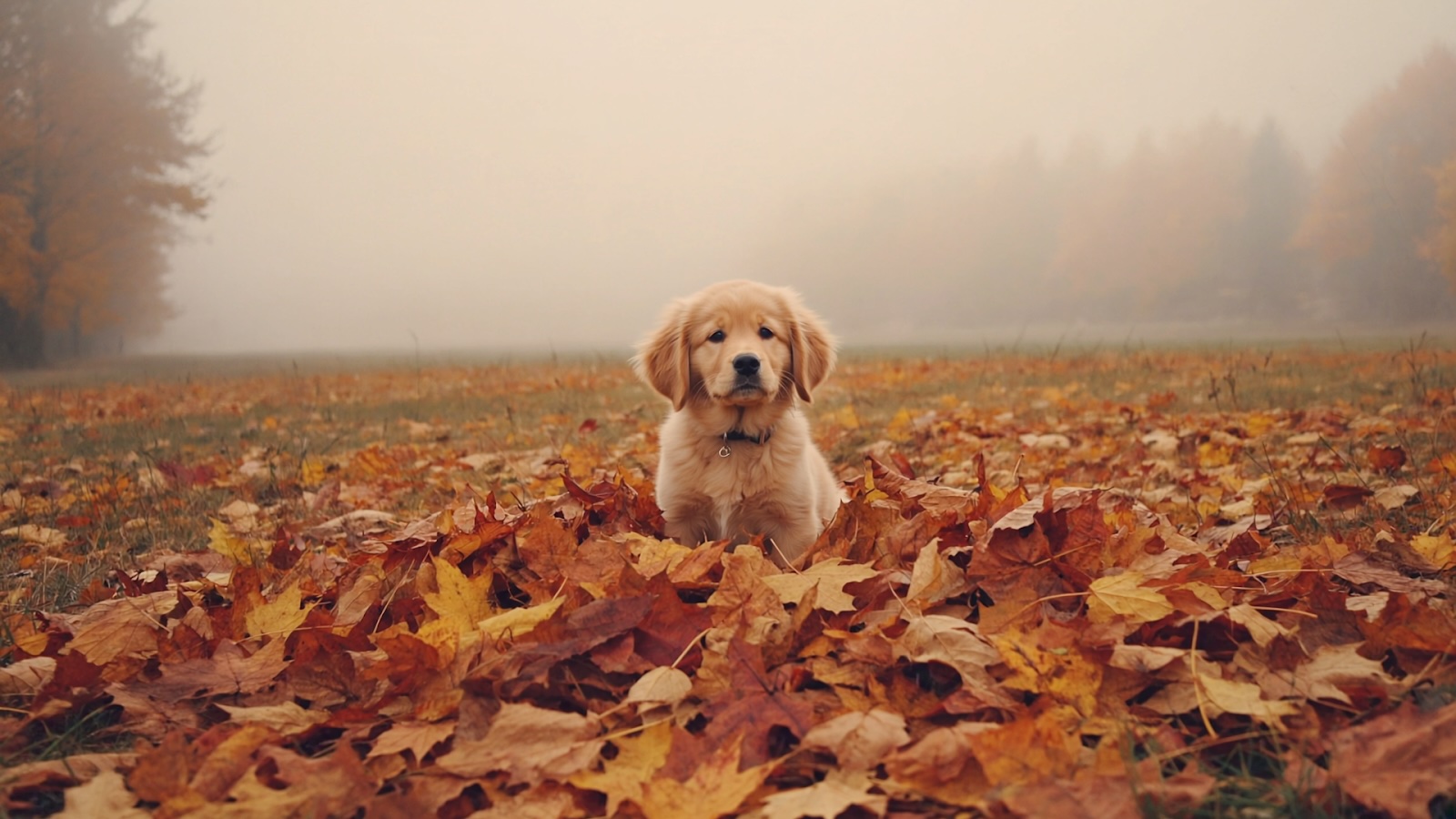
When you’re doing text-to-image AI generation, your prompt is the only input the AI has. Unlike a human designer who can ask clarifying questions or make intuitive leaps, text-to-image AI works exclusively from your written description. The difference between "a dog" and "a golden retriever puppy playing in autumn leaves, soft afternoon light, warm color palette" is the difference between getting a generic image and generating exactly what you envisioned.
Your text prompt determines your image output
Every detail in your generated image traces back to your prompt—or the absence of detail in your prompt.
- Subject and composition. What appears in the frame and how it's arranged.
- Style and aesthetic. Whether your image looks photorealistic, illustrated, painted, or rendered in a specific artistic movement.
- Mood and atmosphere. The emotional tone conveyed through color, lighting, and visual treatment.
- Technical execution. Camera angles, depth of field, resolution quality, and lighting conditions.
Without clear direction, the AI fills gaps with its most statistically common interpretations. This rarely matches your specific vision.
Good prompts save time
Poor prompts mean regenerating images repeatedly, hoping the AI eventually produces something close to what you want. Each generation costs time and, on some platforms, credits or API calls.
Effective prompts get you 80% of the way to your target image on the first try. From there, you refine rather than restart. For professional and commercial use—marketing campaigns, client presentations, content production—this efficiency compounds quickly.
The good news: Prompting is a learnable skill
You don't need technical knowledge or artistic training. You need to understand how AI interprets language and structure your descriptions accordingly. The patterns are consistent across platforms. Once you learn what works, you can apply those principles to any text-to-image tool.
The next section breaks down exactly how to write prompts that produce professional results.
How to write effective prompts
A strong prompt has four core components: subject, context, style and technical details. Not every prompt needs all four, but understanding each element gives you precise control over your results.
The four-part prompt
Part 1: Subject: What you want to see
Start with the main focus. Be specific about the object, person, animal, or scene.
Weak: "A fox". Strong: "A red fox". Stronger: “A young red fox”.
Part 2: Context: Where and what's happening
Describe the setting, action, background elements, and surrounding environment.
"A young red fox sitting in a snowy forest clearing at dawn"
Part 3: Style: How it should look
Reference artistic movements, specific artists, visual aesthetics, or medium types.
"A young red fox sitting in a snowy forest clearing at dawn, wildlife photography style, photorealistic, soft diffused morning light"
Part 4: Technical details: Camera and rendering specifications
Control lighting, camera angle, quality, and atmospheric effects.
"A young red fox sitting in a snowy forest clearing at dawn, wildlife photography style, photorealistic, soft diffused morning light, natural colors, shallow depth of field, 4k resolution."

Advanced prompt tips
Aspect ratio
Aspect ratio determines your image's shape and proportions. Choose based on where you'll use the final image:
- 1:1 (Square). Instagram posts, profile pictures, thumbnails. Universal format that works across most platforms.
- 16:9 (Widescreen). YouTube thumbnails, presentation slides, desktop wallpapers, website headers. The standard for horizontal digital content.
- 9:16 (Vertical). Instagram Stories, TikTok, Pinterest pins, mobile-first content. Dominates social media feeds.
- 4:5 (Portrait). Instagram feed posts, Facebook images. Slightly taller than square, maximizes mobile screen real estate.
- 21:9 (Ultrawide). Cinematic banners, hero images, dramatic landscape shots. Creates expansive, immersive visuals.
Most platforms let you set aspect ratio before generation through dropdown menus or settings panels. Some accept ratio specifications directly in prompts, though this varies by platform. In Runway, select your desired aspect ratio in the generation settings before creating your image.
Artistic styles and variations
The same subject can look completely different depending on which style keywords you use. Here's how to prompt for specific visual treatments when you’re creating your AI art:
- Photorealistic images: Use photography terminology: "photograph," "professional photography," "DSLR," "high resolution," "natural lighting," "bokeh," "sharp focus."
- Illustrations and cartoon styles: Keywords: "illustration," "cartoon," "vector art," "flat design," "hand-drawn," "digital illustration," "children's book style."
- Anime and manga aesthetics: Reference specific anime styles or studios: "anime style," "manga art," "cel shaded," "Japanese animation."
- 3D renders: Technical rendering terms: "3D render," "octane render," "Unreal Engine," "ray tracing," "CGI," "product visualization."
- Specific art style or artistic movements: Reference specific art periods: "impressionist," "art deco," "brutalist," "bauhaus," "pop art," "surrealist."
- Watercolor paintings: Use painting-specific terms: "watercolor painting," "watercolor illustration," "soft washes," "paper texture," "bleeding colors," "delicate brushwork."
- Concept art: Professional design terminology: "concept art," "digital painting," "matte painting," "detailed rendering," "professional concept design," "game art style."
- Surrealism: Dream-like and unexpected imagery: "surrealist," "dreamlike," "impossible geometry," "surreal composition," "floating objects," "distorted reality."
A note on mixing styles
Combine style keywords for unique results: "photorealistic render," "illustrated with watercolor textures," "anime-inspired photography."
Test the same subject across multiple styles to understand how style keywords transform output. This builds intuition for matching visual style to your intended use.
Effective words to use
- Descriptive adjectives. "Glowing," "weathered," "sleek," "ornate," "minimalist"—each adds visual information.
- Colors and materials. "Copper," "marble," "brushed steel," "deep crimson," "pastel blue"
- Lighting cues. "Golden hour," "harsh shadows," "soft diffused light," "neon glow," "candlelit"
- Mood and atmosphere. "Serene," "chaotic," "mysterious," "energetic," "melancholic"
- Specific styles or artists when relevant. "Art deco," "cyberpunk," "Studio Ghibli style," "Ansel Adams photography," "brutalist architecture"
Common pitfalls to avoid
Even seasoned prompt engineers fall into these traps. Learn to recognize and avoid them:
- Vagueness: "A nice picture." This is the ultimate prompt killer. The AI has no idea what "nice" means to you. Be excruciatingly specific.
- Contradictory instructions: Asking for a "dark and moody image with bright, cheerful colors" will confuse the AI and lead to unpredictable results. Ensure your instructions are harmonious.
- Overloading with too many dissimilar concepts: While you can combine concepts, trying to cram too many disparate ideas into one prompt often results in a jumbled, incoherent image. Focus on a primary subject and build around it.
- Assuming prior knowledge: The AI doesn't "know" what a "cool car" means; it needs details: "a vintage red Porsche 911 parked on a rainy city street." Spell it out.
- Using ambiguous language: Words with multiple meanings can lead to unexpected interpretations. For example, "bank" could mean a river bank or a financial institution. Clarify your intent.
Your prompt is the blueprint. Invest time in crafting it, and you will be rewarded with images that truly match your vision. Iterate, experiment, and learn what works best with the specific AI model you are using.
Quickstart guide to text-to-image AI
Step 1: Choose your platform
Runway is the best starting point for most users. The interface is intuitive, it handles natural language prompts well, and it produces high-quality results across photorealistic and stylized images. You can start generating immediately without complex setup or learning platform-specific syntax.
Other options to consider:
- Midjourney
- DALL-E 3
- Stable Diffusion
- Adobe Firefly
Step 2: Draft your first prompt
Start with simple, clear descriptions:
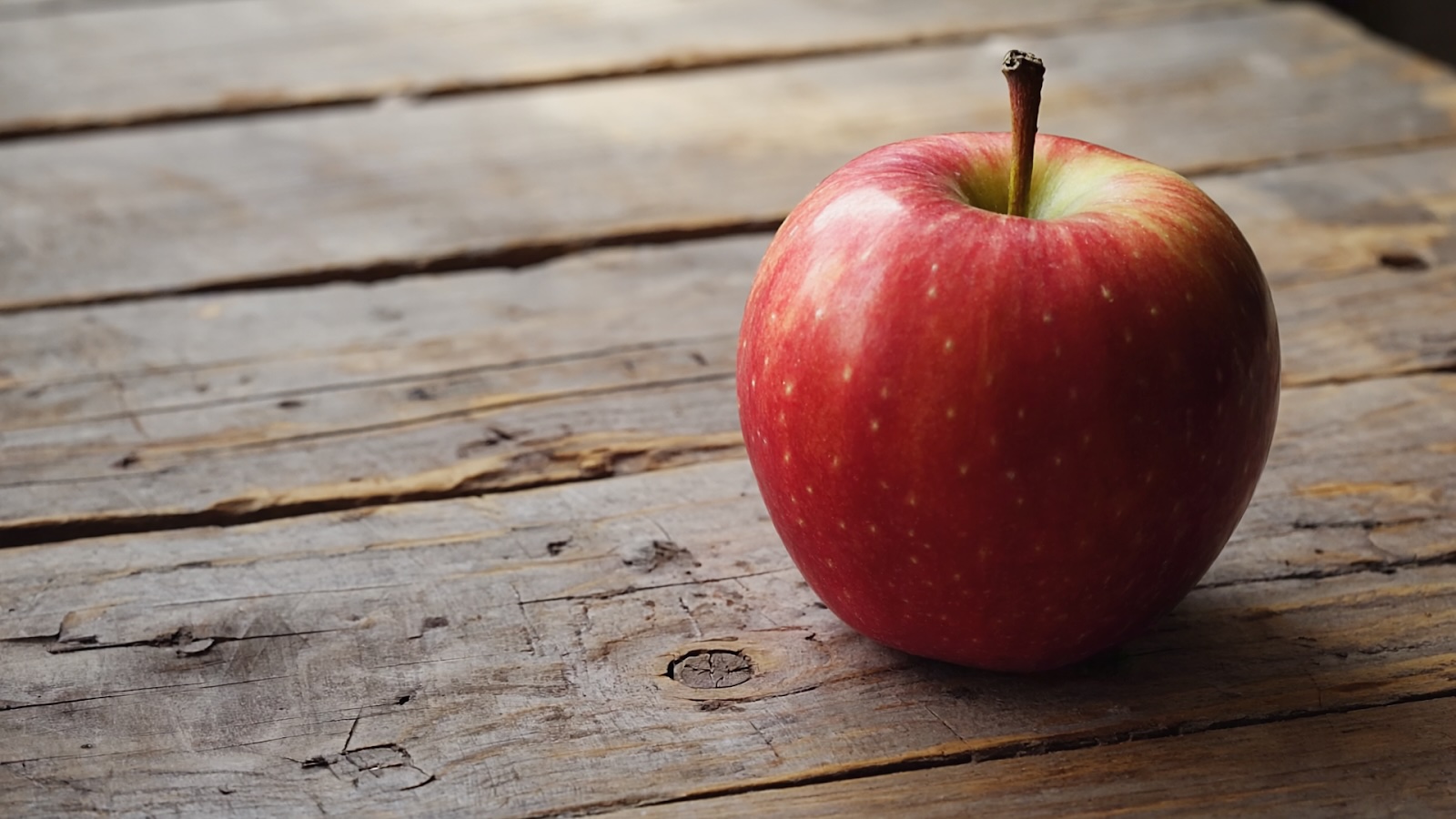
"A red apple on a wooden table, natural lighting"
Generate that image. Once you see the result, add more detail:
"A crisp red apple on a weathered wooden table, soft natural lighting from a window, shallow depth of field"
Try the same subject with different styles:
"A red apple on a wooden table, oil painting style" "A red apple on a wooden table, minimalist product photography" "A red apple on a wooden table, vintage botanical illustration"
This teaches you how style descriptors change output while keeping the subject constant.
Step 3: Learn from the results
Generate an image and ask yourself:
- Did it capture my main subject correctly?
- Is the style what I intended?
- What elements appeared that I didn't expect?
- What's missing that I wanted?
Use those answers to refine your next prompt. This feedback loop is how you develop prompting intuition.
Step 4: Iterate, iterate, iterate
Getting the perfect image rarely happens on the first try. Iteration is how you refine rough outputs into exactly what you envisioned.
Industry-specific use cases
Text-to-image AI serves different needs across industries. Here's how professionals use it in practice:
Marketing and Advertising
Generate campaign concepts without waiting on designers. Test multiple visual directions before committing to photoshoots. Create social media content, email headers, and display ads on demand.
Example use: "Modern minimalist advertisement for organic skincare, soft natural lighting, clean white background, product centered with botanical elements, professional product photography style"

E-commerce and Retail
Visualize products in lifestyle settings without physical photoshoots. Create seasonal campaign imagery, model product variations, generate background images for listings.
Example use: "Leather handbag on marble coffee table, styled apartment interior, afternoon sunlight, luxury lifestyle photography, shallow depth of field"
Content Creation and Media
Produce YouTube thumbnails, blog featured images, podcast cover art, and social media graphics. Generate unique visuals that match your brand without stock photo limitations.
Example use: "Dynamic thumbnail for productivity video, energetic composition, person working at organized desk, bright modern office, bold colors, high contrast"
Education and Training
Illustrate complex concepts, create custom diagrams, visualize historical events, generate scenario-based learning materials without illustration budgets.
Example use: "Cross-section diagram of a plant cell, educational illustration style, clearly labeled organelles, bright colors, textbook quality, scientific accuracy"
Real Estate and Architecture
Visualize renovation concepts, generate staging ideas, create marketing materials for properties, explore design directions before committing to changes.
Example use: "Modern kitchen renovation concept, white cabinets, marble countertops, brass fixtures, natural light from large windows, architectural photography style"
Product Design and Development
Prototype product concepts rapidly, explore color and material variations, generate mockups for stakeholder presentations, visualize ideas before manufacturing.
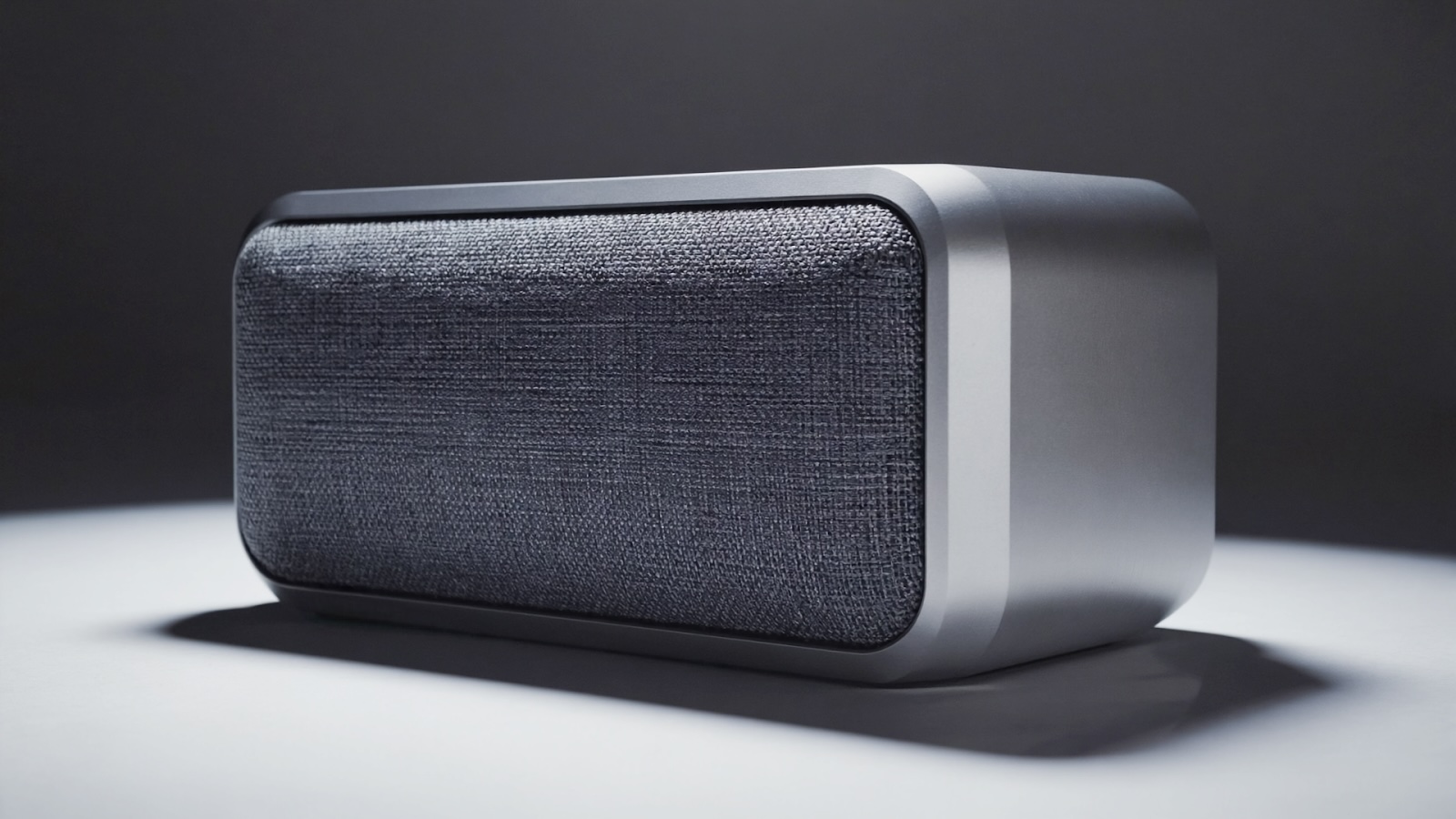
Example use: "Minimalist wireless speaker concept, brushed aluminum body, fabric grill, compact design, studio product photography"
Entertainment and Gaming
Develop character designs, create environment concepts, generate storyboard frames, visualize game assets and world-building elements.
Example use: "Fantasy tavern interior, warm candlelight, wooden beams, stone walls, medieval atmosphere, concept art style, detailed environment design"
The common thread: Text-to-image AI compresses timelines and removes bottlenecks. Tasks that required hiring freelancers, scheduling photoshoots, or waiting on design teams now happen in minutes. You maintain creative control while moving from concept to visual in a single conversation.
Beyond text-to-image: Other types of generative AI
Text-to-image is just one type of generative AI for visual content. Understanding the full landscape helps you choose the right tool for each project.
Image-to-image
Transform existing images while preserving composition and structure. Upload a reference image and describe how you want it changed. This AI-powered approach lets you edit images by changing styles, adjusting elements, or reimagining scenes entirely while maintaining the original layout.
Example use: Turn a daytime photograph into a sunset scene, convert a sketch into a photorealistic render, or transform a modern building into Victorian architecture.
Image-to-video
Animate still images into short video clips. Upload any image and the AI generates camera movements, subtle animations, or dynamic effects. This brings static visuals to life without traditional animation software.
Example use: Add a slow zoom to a product photo, create parallax motion in a landscape image, or animate a character portrait with subtle movements.
Text-to-video
Generate video clips directly from written descriptions. Like text-to-image but with motion, time, and camera movement. Describe the scene, action, and cinematography you want, and the AI creates original video footage.
Example use: "Wide shot of waves crashing on a rocky beach at sunset, slow motion, cinematic lighting, gentle camera pan left to right"
Video-to-video
Apply style transfers or transformations to existing video footage. Upload a video and describe changes—the AI maintains temporal consistency across frames while applying your modifications.
Example use: Convert regular footage into different visual styles, change time of day, adjust weather conditions, or transform live-action into animated sequences.
Upscale and Enhancement
Use generative AI to upscale low-resolution images without losing quality. AI-powered enhancement adds realistic detail rather than simply enlarging pixels, recovering clarity in images that would otherwise be unusable.
Runway offers all these generative AI formats in one platform, letting you move seamlessly between different types of visual creation. Start with text-to-image for initial concepts, use image-to-image with your reference image to refine details, upscale the final result for high-resolution output, then animate it with image-to-video if needed. Each format solves specific creative challenges—knowing when to use which one expands what's possible.
Create AI-generated images today
Text-to-image AI removes the traditional barriers between ideas and visuals. No design degree required, no expensive software, no waiting on freelancers. You describe what you want, and the AI generates it.
The learning curve is shorter than you think. Start with simple prompts, observe the results, refine your descriptions. Within an hour of experimentation, you'll understand what language produces the outputs you need.
Runway provides the most straightforward entry point—intuitive interface, high-quality results, and access to the full range of generative AI tools beyond just text-to-image. Create your first image today and see how quickly you can turn concepts into visuals.