Introduction
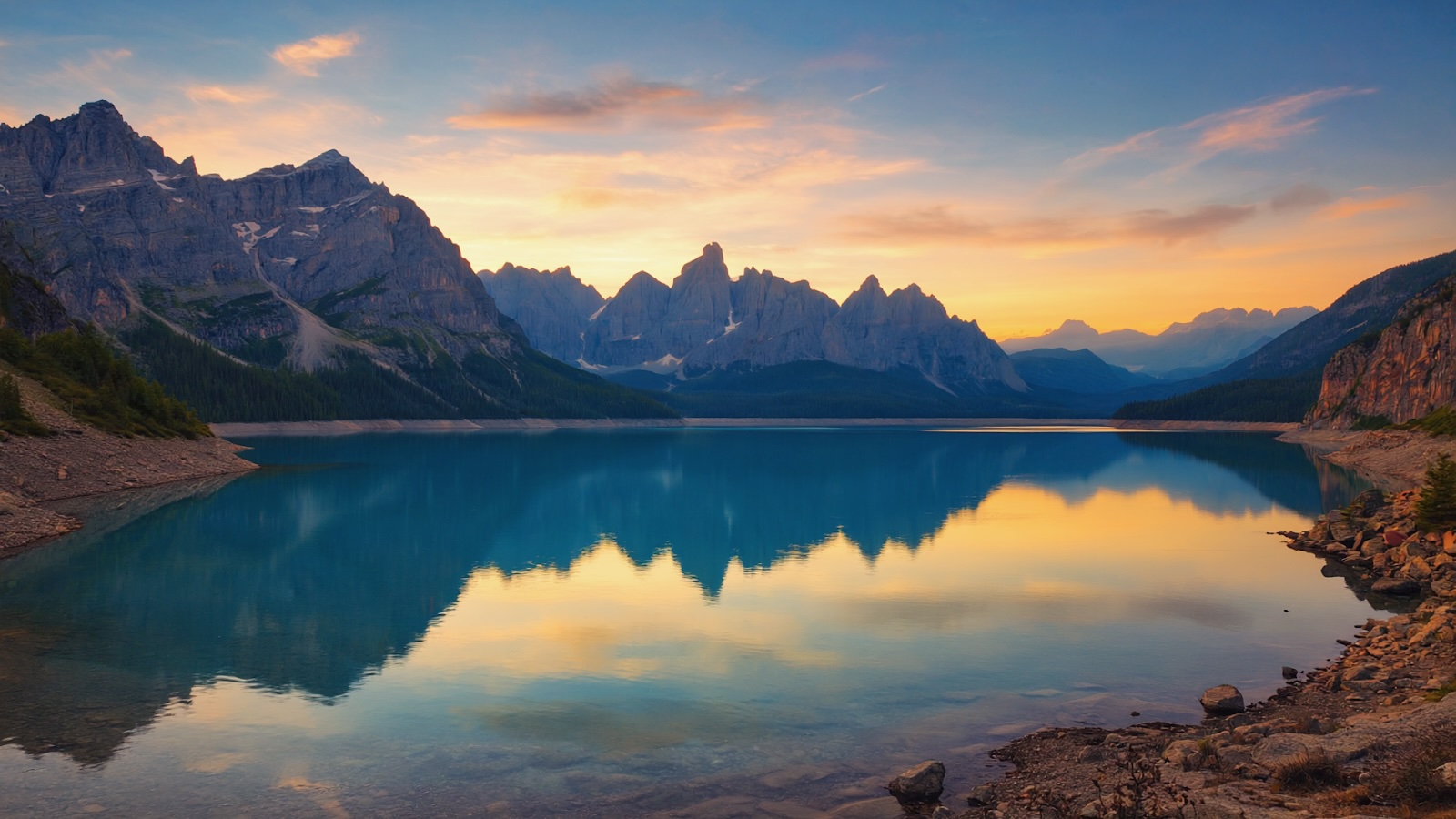
AI image generation is technology that creates images from text descriptions using machine learning models. Type a prompt like "sunset over mountain lake, golden hour lighting" and an AI model generates a matching image in seconds.
This technology has moved from research labs to easy-to-use creative tools, enabling everyday creators like us to create anything they can imagine. The implications span industries—from marketing teams producing ad variations to game developers creating concept art to filmmakers visualizing scenes before shooting.
This guide breaks down how AI image generation works, what you can create with it and how to start using these tools effectively. Whether you're exploring creative possibilities or evaluating practical applications, understanding the mechanics and limitations of AI image generation helps you use it strategically.
What are AI image generation models?
Image generation models, similar to LLMs like ChatGPT and Claude, are AI models trained on visual data to parse, understand and create images. In order to build this understanding, image generation models use neural networks that analyze billions of images paired with text descriptions.
During training, these neural networks identify relationships between words and visual elements. The model learns that "sunset" correlates with warm colors and horizontal light, that "mountain" means specific shapes and textures and that "golden hour" implies particular lighting conditions.
This training happens through pattern recognition at scale. The AI doesn't understand concepts the way humans do—it maps statistical relationships between text inputs and pixel arrangements. After processing millions of examples, the model builds a framework for translating text prompts into corresponding visual patterns.
From GANs to Diffusion models
Early AI image generators used Generative Adversarial Networks (GANs)—two competing neural networks that improved through adversarial training. GANs produced quality results but struggled with stability and diversity, often generating repetitive outputs.
Diffusion models became the industry standard by 2021. These models work backwards from chaos to clarity. Think of it like watching a blurry, static-filled image gradually come into focus—the model starts with random noise and progressively refines it into a coherent image based on your text prompt. Each refinement step adds more detail and accuracy until the final image matches your description.
How text becomes images
When you enter a prompt, the model first needs to understand what you're asking for. This is where Natural Language Processing (NLP) comes in—the AI technology that interprets human language. The NLP component converts your words into numerical representations that capture meaning and relationships between concepts.
For example, your prompt "red apple on tree" gets translated so the model understands "red" modifies "apple," and "on" establishes a spatial relationship with "tree." This translation becomes a set of instructions that guides the image generation process—telling the model to place the apple on the tree rather than beside it, to make it red rather than green, to include tree-specific textures and forms.
But instructions alone aren't enough. The model also needs to know what an apple looks like, what tree bark textures are and how objects sit on branches. This knowledge comes from its training, which gives it a vast vocabulary of visual patterns. Your prompt activates the relevant patterns from that training, steering the generation process toward an image that matches your description.
Now that you understand how AI models translate text into images, the next question is: what can you actually feed into these models? Text prompts are just one option.
Understanding image generation input types: Text, images and more
AI image generation models work in different ways based on what input they accept. Some models generate images entirely from text descriptions—you write a prompt, and the model creates an image from scratch. Others start with an existing image and modify it based on your instructions. Still others can extend images beyond their original borders or fill in missing sections.
Understanding these different input types helps you choose the right tool and technique for your specific creative task.
Text-to-Image: Creating from scratch
This is the foundational type of AI image generation and likely what you think of when you hear "AI art." You write a description and the model you’re using generates an image. No reference images needed—just your words translated into pixels.
Text-to-image works when you're building something entirely new. You might create product mockups for items that don't exist yet, visualize scenes for a story, explore character designs or generate marketing visuals. The AI model interprets your words and creates the image based on the billions of image-text pairs it studied during training.
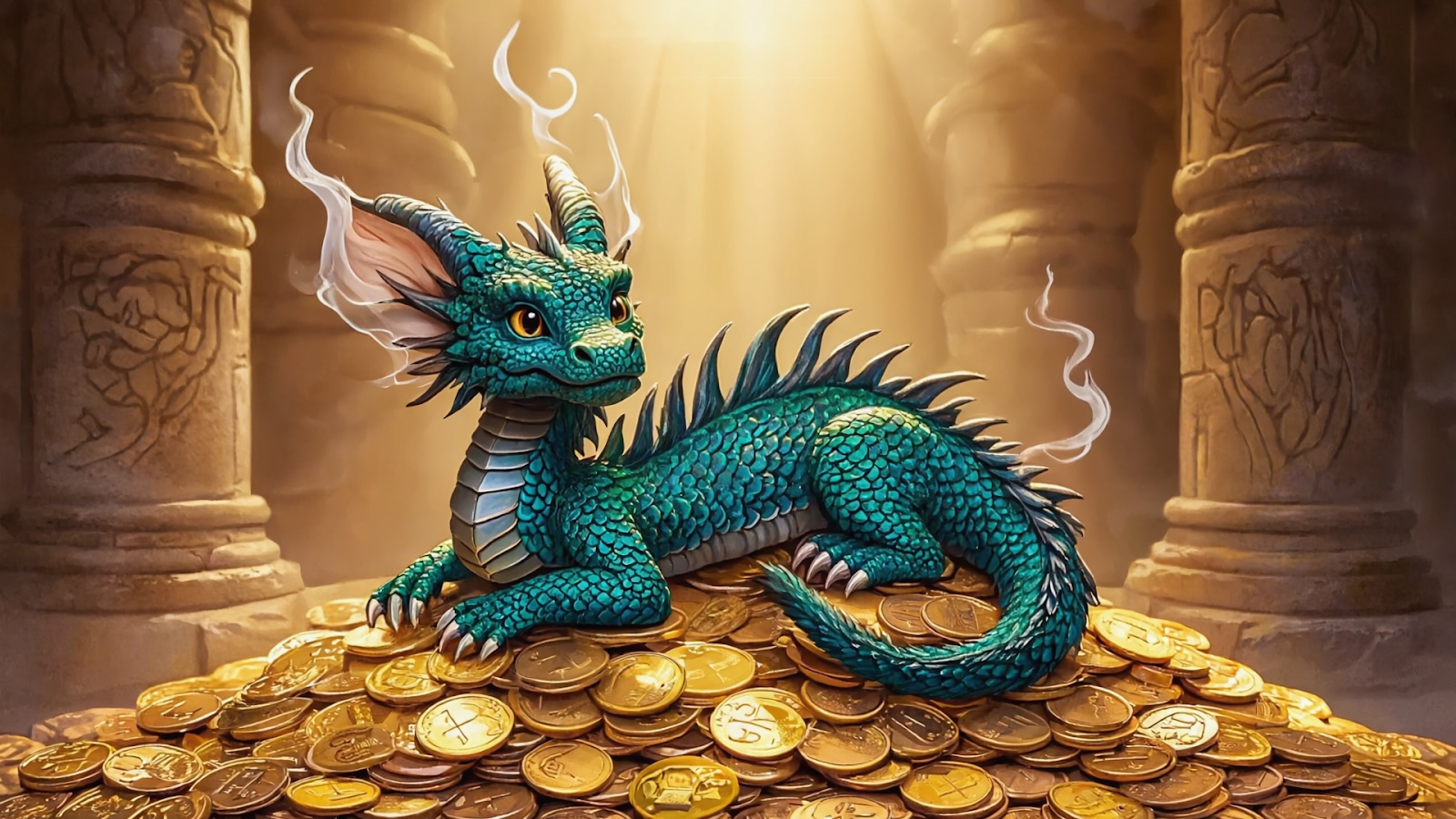
Example: Type "a dragon the size of a housecat curled up on a pile of shiny coins, fantasy illustration style" and the model generates a complete image from that description alone.
Read also: The Ultimate AI Image Prompting Guide
Image-to-Image: Transforming what exists
Instead of starting from nothing, image-to-image generation models start with a picture you already have. You upload that image along with a text prompt describing how you want the image changed. The AI uses your original image as the structural foundation and applies your requested transformations.
This is useful for style exploration and iterations. Using image-to-image models lets you keep the same composition, characters or context—but change the mood, colors or artistic style.
Example: Upload a photo of a modern apartment and prompt "cozy cabin interior, wood paneling, fireplace" to see it reimagined in a different aesthetic.
Inpainting: Editing specific areas
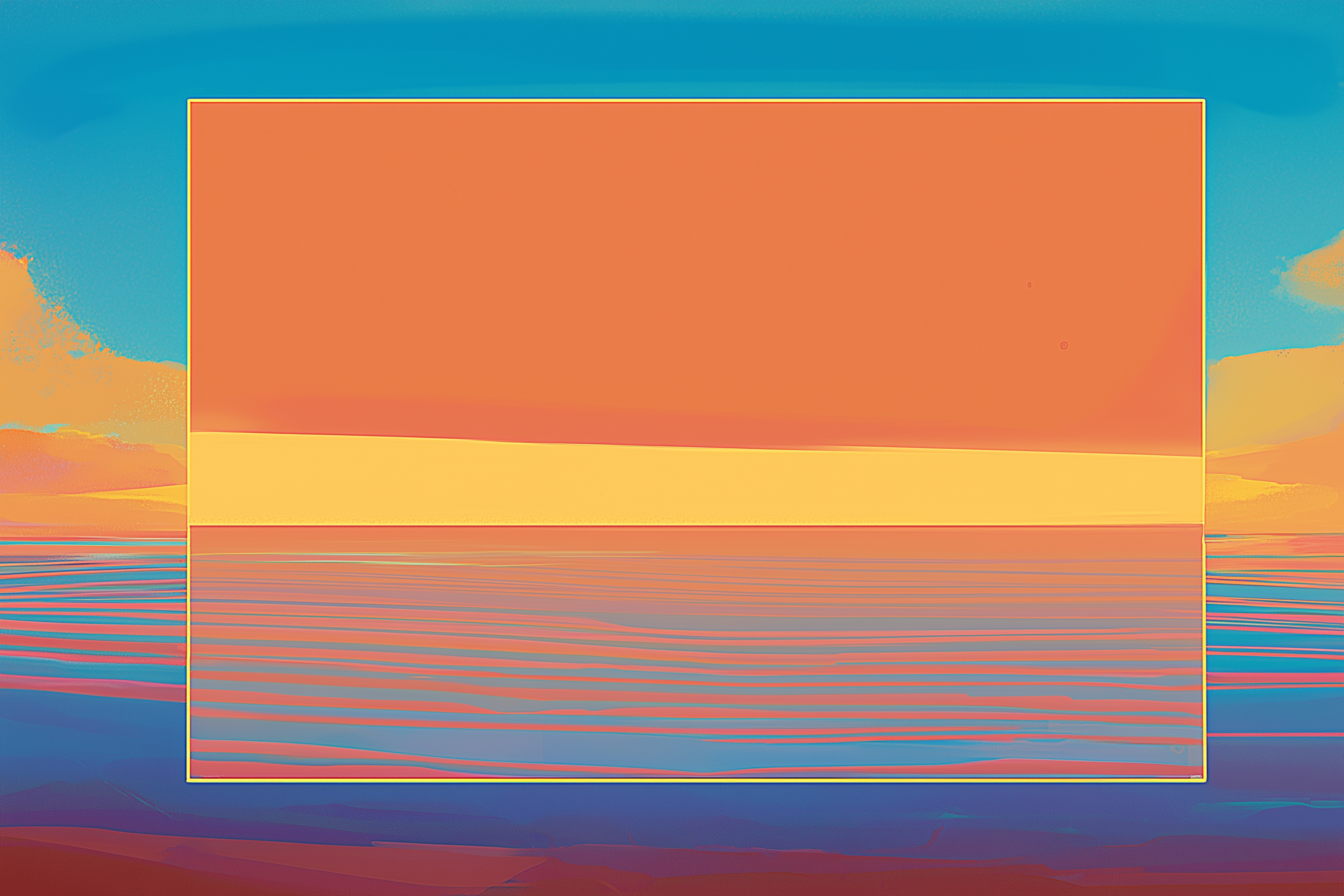
Inpainting lets you modify specific parts of an image while leaving the rest untouched. You select a region (like circling an area with a brush), describe what should replace it and the AI generates new content that blends seamlessly with everything around it.
The model analyzes the surrounding context—matching lighting, perspective and style—so the edit looks natural rather than pasted in. You can remove unwanted objects like a trash can in the background of your photo, change specific elements like swapping a red car for a blue one or replace backgrounds while keeping your subject intact.
Example: Select the sky in a beach photo and prompt "dramatic sunset colors" to change only the sky while keeping the beach, water and people identical.
Outpainting: Expanding beyond borders
Outpainting extends images past their original edges. If you have a cropped photo that cuts off someone's head or a landscape that feels too tight, outpainting generates additional content that continues the scene naturally.
Think of it like uncropping a photo. The model looks at what's visible and predicts what would logically exist in the extended space—continuing architectural lines, matching sky patterns or showing more of the environment around a portrait subject.
Example: Take a portrait that's cropped at the shoulders and extend it downward to show the full outfit and setting around the person.
Upscaling and Enhancement: Improving quality
Traditional image upscaling just stretches pixels, making everything blurry. AI upscaling works differently—it generates the detail that should exist at higher resolution. The model predicts fine textures, sharp edges and subtle variations based on what it learned during training.
This takes low-resolution images and produces high-quality versions suitable for large format prints, detailed viewing on high-res screens or professional deliverables that need crisp quality. Enhancement goes a step further—improving overall clarity, reducing compression artifacts and fixing visual problems while keeping the image looking natural.
Example: Take a 500px wide product photo and upscale it to 2000px with sharp details intact, suitable for a magazine spread.
Video generation: Adding motion
Video generation is the newest frontier. Instead of creating a single static image, text-to-video models create moving footage from your descriptions. This is significantly more complex because the AI needs to maintain consistency across many frames—ensuring objects don't randomly morph, motion looks physically realistic and the scene flows naturally.
You can generate camera movements like pans, zooms and tracking shots through a scene. You can create subject actions like people walking, objects moving or facial expressions changing. You can show environmental changes like weather shifting or lighting changing over time. This is useful for concept visualization, storyboarding and creating quick video prototypes before investing in full production.
Example: Prompt "a cinematic close up shot of the bear rising out of the water, droplets cascading off of its wet fur" to generate a 5-second clip with smooth camera movement and atmospheric lighting.
Choosing the right input based on your needs
The type of generation you need depends on what you're starting with:
- No existing assets? → Text-to-image creates from scratch
- Working from reference photos or sketches? → Image-to-image transforms them
- Need to fix or change specific parts? → Inpainting edits selectively
- Is the image cropped too tight? → Outpainting expands it
- Need to add movement? → Video generation brings it to life
Many platforms, including Runway, offer multiple generation types in one interface. This lets you combine approaches—generate a base image with a text prompt, refine it through image-to-image adjustments, extend it with outpainting then animate it with video generation. You're not locked into one method per project.
What can you create with AI image generation?
AI image generation has moved beyond experimental novelty into practical production workflows. Different industries use these tools to solve specific creative and operational problems.
Marketing and Advertising
Marketing teams use AI generation to produce visual assets at scale. Ad creative testing requires multiple variations—different backgrounds, color schemes, product angles and lifestyle contexts. Generating these variations through AI takes minutes instead of coordinating multiple photo shoots.
Common applications:
- Product mockups for A/B testing across platforms
- Social media graphics tailored to different audience segments
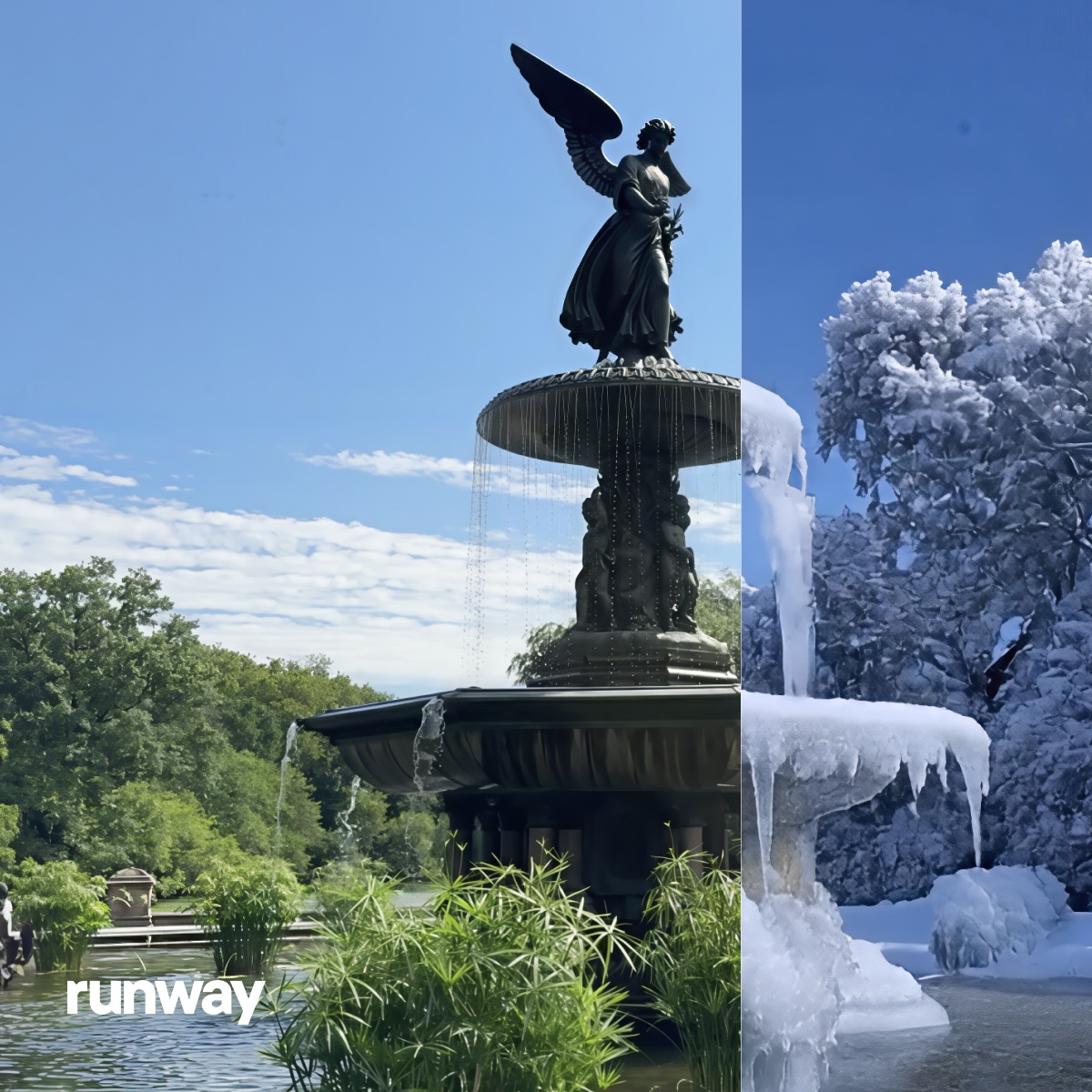
- Seasonal campaign variations without reshoots
- Email header images matching specific promotions
- Banner ads in dozens of size formats for rapid testing
E-commerce brands generate product imagery showing items in different settings—a watch on different wrist types, furniture in various room styles, clothing in multiple environments. This expands visual catalogs without physical staging costs.
Interested? Learn more about AI for Advertising →
Content Creation and publishing
Blog posts, articles and social media posts need accompanying visuals. AI generation fills this gap—creating custom images that match specific content rather than searching stock libraries for approximate fits.
What creators generate:
- YouTube thumbnails and podcast cover art
- Newsletter headers and blog featured images
- Instagram posts and social media graphics
- Book cover concepts and article illustrations
- Editorial graphics for abstract concepts
News outlets have started using AI-generated imagery for subjects where photographs don't exist—illustrating articles about economic trends, technological developments or hypothetical future scenarios.
Product Design and Development
Industrial designers generate product concept variations rapidly. Instead of sketching dozens of iterations by hand, they prompt AI with different feature combinations, materials and form factors.
Design applications:
- Furniture visualized in various room settings and styles
- Clothing designs exploring different cuts, patterns and fabrics
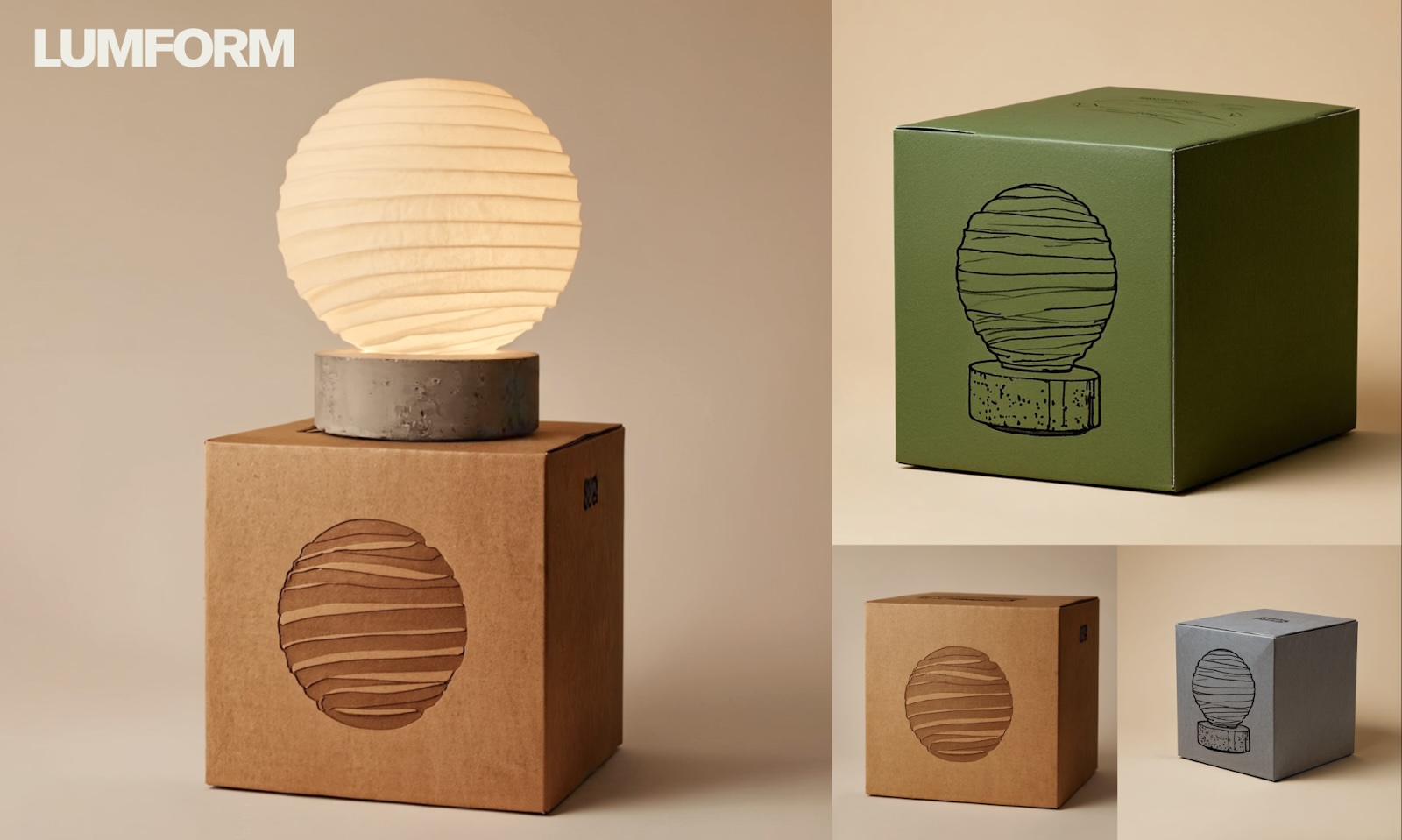
- Packaging mockups showing products in different box designs
- Automotive concepts with different grille designs or lighting configurations
- Consumer electronics with various form factors and finishes
Packaging design teams create mockups showing products in different presentations for client feedback. This speeds up approval cycles—stakeholders see visual options immediately rather than waiting for design rounds.
Film, Animation and Entertainment
Pre-visualization is where AI generation has substantial impact. Directors and cinematographers generate shot compositions, lighting setups and scene concepts before expensive production days.
Production uses:
- Storyboards illustrating camera angles and compositions
- Environment designs and set concepts
- Character variations and costume explorations
- Prop ideas and production design elements
- Matte paintings for compositing
Game developers use AI for texture generation, background assets and environmental details. Generate rock formations, foliage variations or architectural elements that populate game worlds without manual modeling of every asset.
Architecture and Real Estate
Architects generate exterior concepts showing different facade treatments, material selections and landscape integration. Clients see design options visualized in context before detailed planning begins.
Visualization applications:
- Room layouts with different furniture arrangements and decor styles
- Building exteriors in different materials and finishes
- Empty rooms furnished virtually for listings
- Properties shown in different seasons or lighting conditions
- Urban development proposals integrated with existing neighborhoods
Real estate marketing shows properties at their potential—landscaping at maturity, renovations completed and spaces styled for target buyers.
Education and Training
Educational content creators generate diagrams, historical reconstructions and scientific visualizations. Illustrate abstract concepts—molecular structures, historical events, geographical processes—with custom imagery rather than generic stock photos.
Educational uses:
- Historical reconstructions of events and locations
- Scientific diagrams and anatomical illustrations
- Cultural context imagery for language learning
- Safety scenario images for workplace training
- Procedural documentation visuals for technical skills
Training materials get enhanced with scenario-specific visuals without photography logistics or illustration costs.
Medical and Scientific Visualization
Researchers generate illustrations of molecular structures, cellular processes and anatomical systems. AI helps visualize concepts that can't be photographed—theoretical models, microscopic phenomena or processes happening inside living tissue.
Medical applications:
- Anatomical variations and surgical procedure illustrations
- Medical devices shown in use or implant positioning
- Patient education materials explaining conditions and treatments
- Scientific publication figures and diagrams
- Molecular and cellular process visualizations
The common thread: AI image generation solves the gap between needing specific visuals and having resources to create them traditionally. Speed, cost and iteration capacity make the technology practical for production work.
Leading AI image generation tools
Multiple platforms offer AI image generation, each with different capabilities and workflows. Understanding what distinguishes them helps you choose tools that match your creative needs.
Runway
Runway is a comprehensive AI creative platform that goes beyond single-purpose image generation. The platform combines multiple generation types—text-to-image, image-to-image, video generation—in one integrated workspace.
This integration matters for how you actually work. You can generate concept images, refine them through variations, extend compositions with inpainting then animate results into video clips without switching between separate tools or downloading and re-uploading files. The platform handles the full creative spectrum from initial static images to final moving footage.
Other players in the space
Several other platforms focus specifically on image generation, each with distinct characteristics:
- Midjourney
- DALL-E
- Stable Diffusion
- Nano Banana
Choosing based on use case
Your project scope determines the right tool. Working purely on static images? Any image-specific platform works. Need to move between images and video? Integrated platforms like Runway eliminate workflow breaks. Require specific artistic styles? Different models have different aesthetic strengths.
For production workflows combining multiple media types—concept imagery feeding into motion graphics, storyboards becoming animatics, product shots extending into video demos—having generation capabilities unified in one platform reduces technical overhead.
Getting started: how to generate AI images
Effective prompting makes the difference between vague results and precisely what you envisioned. AI models respond to specific descriptive language, not abstract creative direction.
Read our full guide to AI image prompting →
Write clear, descriptive prompts
Describe what you want as if you’re explaining it to someone who will paint it. Include the subject, setting, visual details and technical specifications that define the image.
- Vague: "a cool car"
- Specific: "sleek sports car, matte black finish, desert highway at sunset, low angle shot"
The specific version gives the model concrete elements to generate—vehicle type, color, environment, lighting condition and camera perspective. Each detail constrains the output toward your intent.
Specify style, mood and composition
Beyond subject matter, define aesthetic qualities. Reference artistic styles, lighting conditions, color palettes and compositional arrangements.
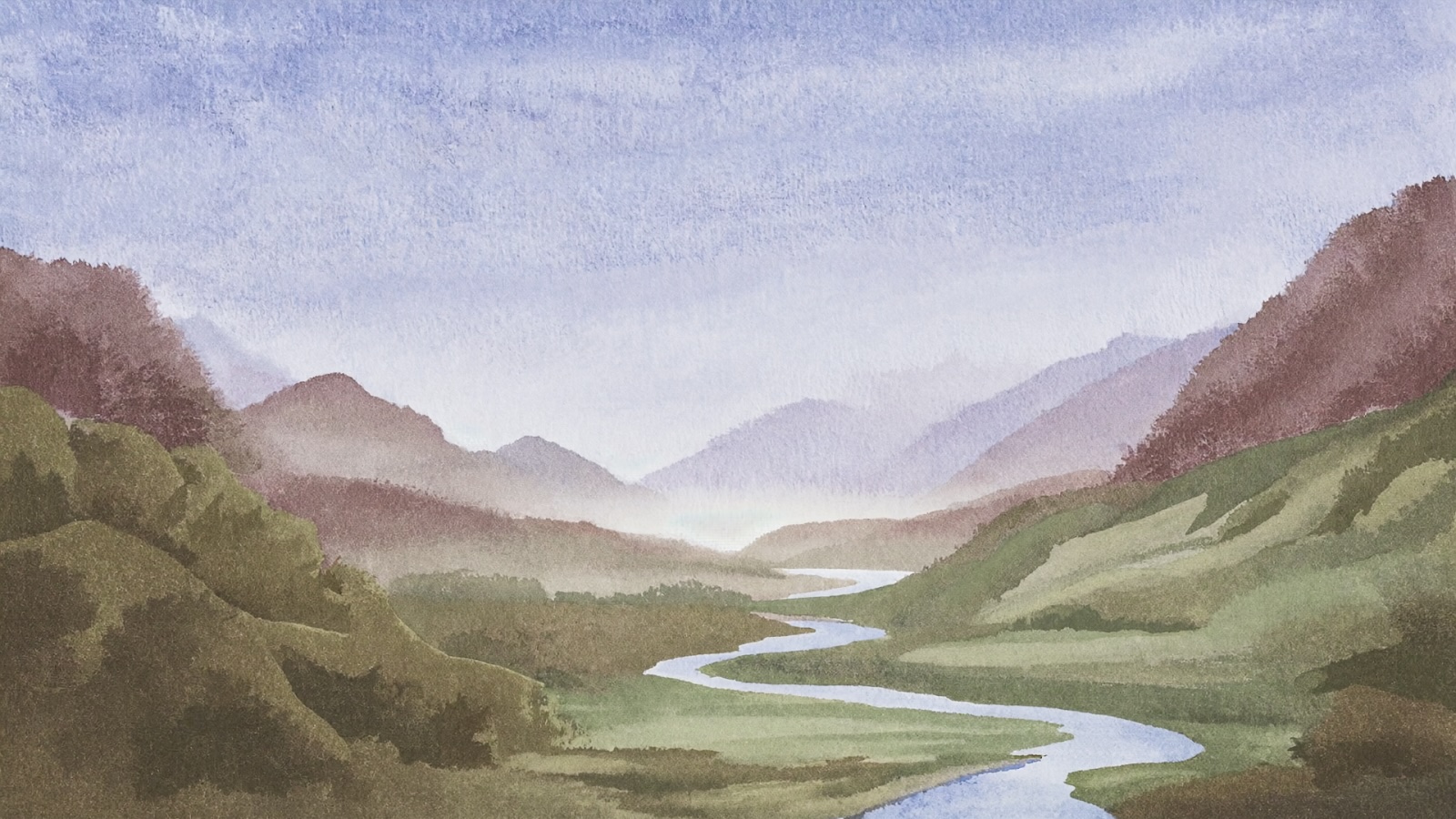
- Style references: "watercolor illustration," "1970s film photography," "architectural rendering," "editorial magazine photo"
- Mood indicators: "dramatic lighting," "soft morning atmosphere," "moody and atmospheric," "bright and energetic"
- Composition details: "centered subject," "rule of thirds," "wide angle," "shallow depth of field," "aerial view"
These modifiers shape how the subject gets rendered, not just what appears in the frame.
Iterate and refine
Your first generations won't be perfect—and that's completely normal. Iteration is a core part of creating great AI images. Each generation teaches you which language produces desired results with that particular model.
Generate multiple variations, identify what works then refine your prompt to emphasize successful elements and adjust what didn't land. Iteration isn't a sign you're doing it wrong—it's how AI image generation actually works. Even experienced users go through multiple rounds to get the result they want.
If the lighting is wrong, add specific lighting descriptors. If the composition feels off, include framing instructions. If the style doesn't match your vision, reference different artistic movements or photography techniques.
Common limitations and considerations
AI image generation, like any tool, excels at certain tasks while still developing in others. The technology is evolving rapidly—capabilities that seem limited today often improve within months. Rather than viewing these as permanent barriers, think of them as current characteristics to work around. Understanding what AI image generators handle well versus what they struggle with helps you use them strategically alongside your other creative tools.
- Text rendering: Sometimes, AI image generation models may struggle with legible text—letters appear garbled or misspelled. This is improving, but for now, plan to add any required words using design software in post-production. Use AI for the visual foundation, then add text where you have full control.
- Complex compositions: Images with many interacting elements—like intricate machinery, specific hand gestures or multiple people in exact positions—generate less predictably. You might get it right immediately, or you might need several attempts. For scenes requiring precise spatial relationships, consider generating simpler elements separately and composing them in editing software.
- Specialized subjects: Models generate based on what they learned during training. Common subjects (people, landscapes, everyday objects) work reliably. More specialized or niche subjects—obscure historical equipment, rare animals, highly technical diagrams—may produce inconsistent results. For these, consider using image-to-image prompting and uploading a reference before prompting.
Getting started with AI image generation
AI image generation makes visual creation faster, cheaper and more accessible than traditional production methods. What used to require specialized skills, expensive software or hiring designers is now accessible through text prompts. This doesn't replace traditional creative tools—it expands what's possible when you're working alone, on tight deadlines or exploring ideas before committing resources.
The real power isn't just speed or cost savings. It's the ability to iterate without limits. You can test dozens of visual directions in the time it used to take to create one mockup. You can visualize concepts that exist only in your head. You can explore creative possibilities that would have been too expensive or time-consuming to attempt otherwise. The constraint shifts from "what can we afford to produce" to "what do we want to create."
Understanding how these tools work—how models are trained, what different generation types do, how to write effective prompts—helps you use them strategically rather than randomly. You'll know when to use text-to-image versus image-to-image, when AI generation makes sense versus when traditional tools work better and how to combine approaches for the results you actually need.
The technology is evolving rapidly. Models that struggled with hands or text six months ago now handle them competently. Video generation that produced three-second clips now creates extended sequences. What feels limited today often becomes capable tomorrow. Getting familiar with AI image generation now means you'll be ready as these tools become increasingly central to visual content creation.
Start experimenting. Write clear prompts, generate variations, see what works. Platforms like Runway make it easy to move between image and video generation as your projects require. The barrier to entry is a text description—everything else is iteration and learning what these tools do well.