AI image generator
Generate, edit and iterate on images across a variety of styles including photoreal, illustrated and stylized aesthetics. Built for production, not prototypes.
How AI image generation works in Runway
Describe the image you want
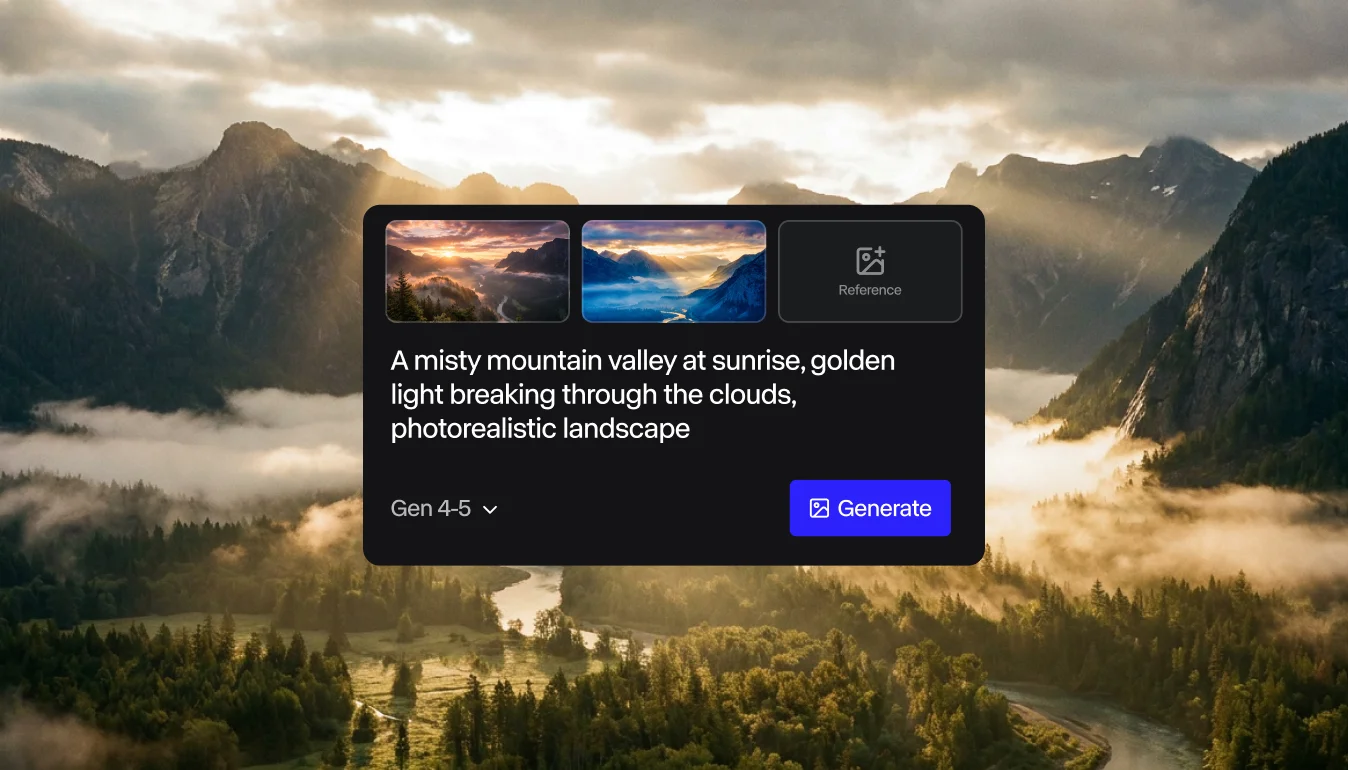
Write a prompt or upload a reference. Tell the model what you want to create or change, and pick a style if you have one in mind, like photoreal, illustrated or stylized.
Generate variations
When you click generate, Runway will take your prompt and input image (if you shared one) and generate multiple variations. This allows you to compare the generations side by side and pick the direction worth refining.
Refine and export
If the image is good but not-quite-perfect, easily edit specific elements without regenerating the whole image. Relight a subject, swap a backdrop or change a style without starting over. Then once you’re ready, export the image for use anywhere.
What you can make
What’s the difference between text-to-image and image-to-image?
Text-to-image is image generation that starts from a written prompt. It’s typically the fastest path from idea to first frame. Image-to-image is image generation that takes a reference photo or sketch and transforms it. Use text-to-image to explore a brief from scratch; use image-to-image when you have a reference and need to push it in a specific direction.
Read the prompting guide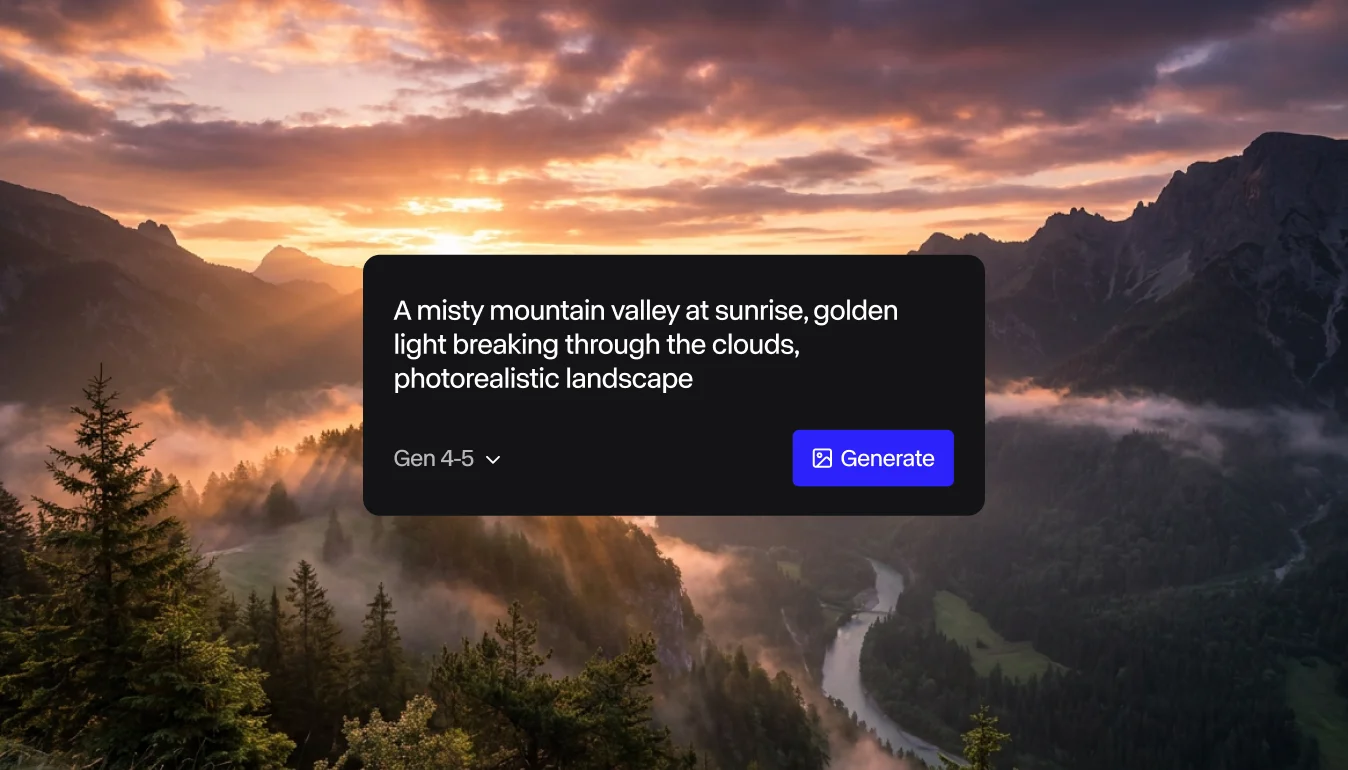
Generate your first AI image in under five minutes
Start generatingWhat styles can the AI image generator produce?
Runway AI image generation can handle any style, including photoreal, illustrated and stylized aesthetics from the same prompt box. Move from a documentary portrait to a stop-motion concept to a campaign-ready product shot without switching tools. Test multiple aesthetics on a single brief and align the team on direction before commissioning the real shoot.
See ideation use cases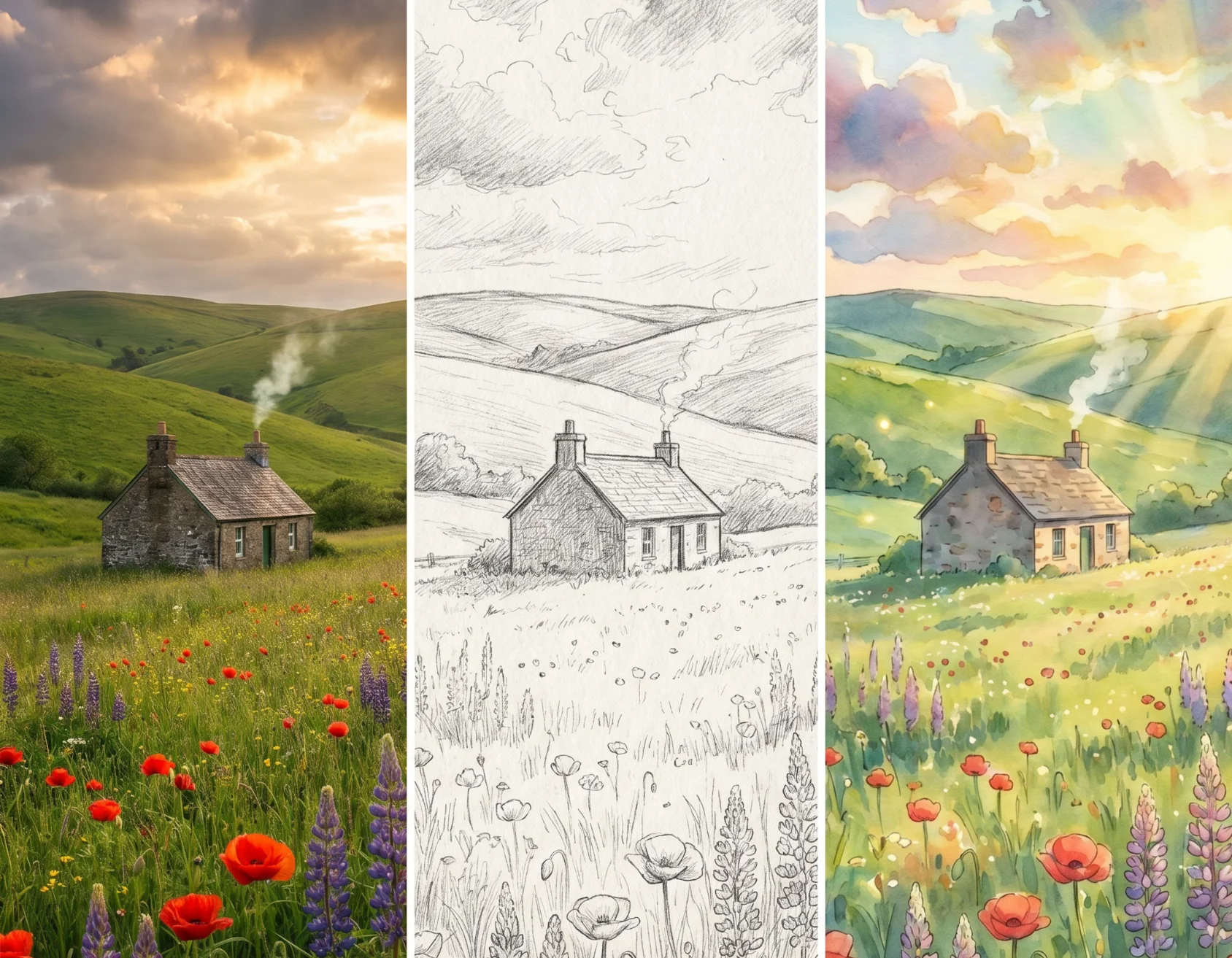
Style reel: 3 outputs from same prompt — photoreal / illustrated / stylized
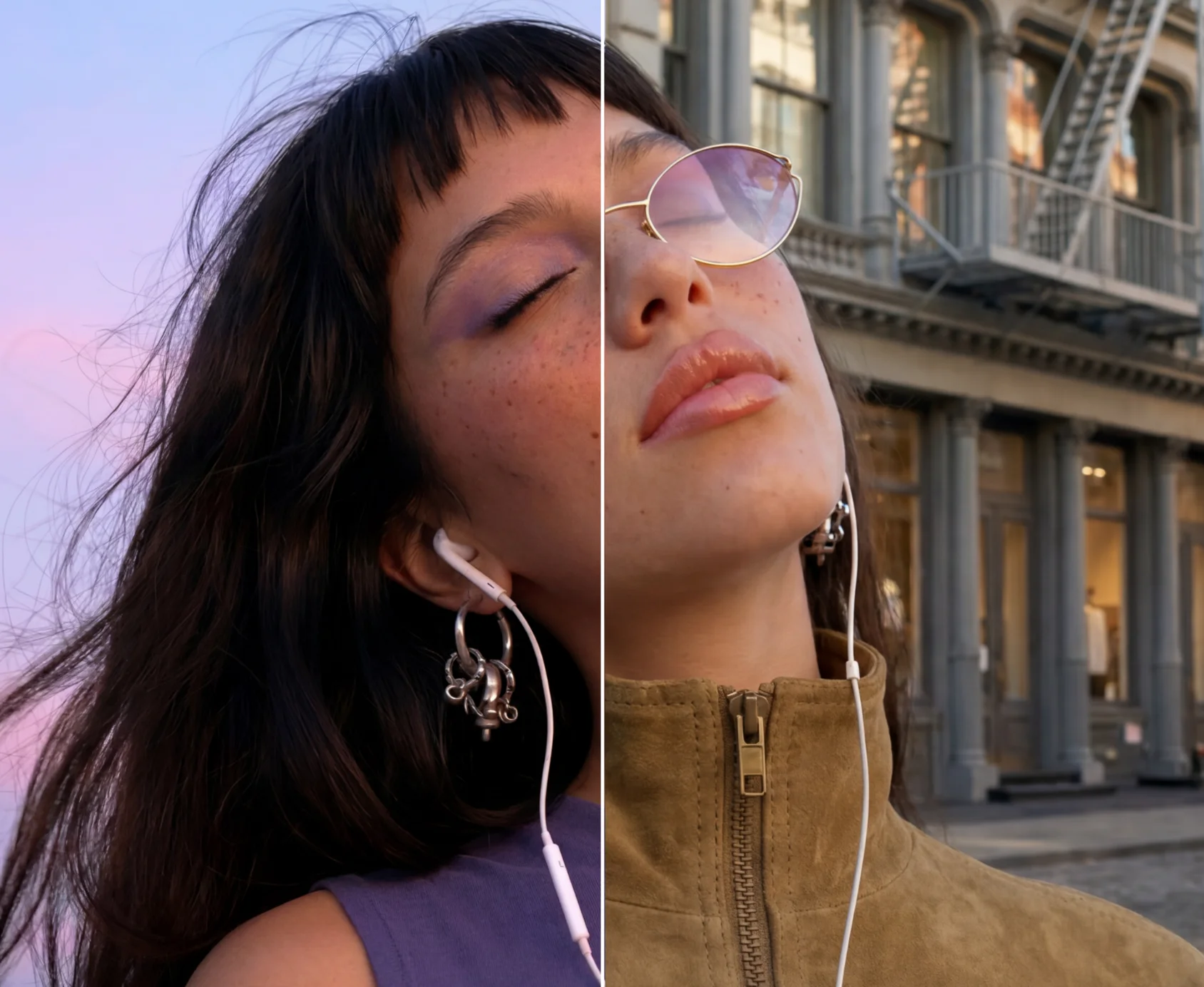
Precise editing control
Edit specific elements of an AI-generated image without regenerating the whole frame. Relight a subject, swap a backdrop, change a style or add a character — all without losing the parts you want to keep. Surgical control is what separates production-ready output from prototype-grade generations.
Try the editing appsWhat you can make with Runway’s AI image generator
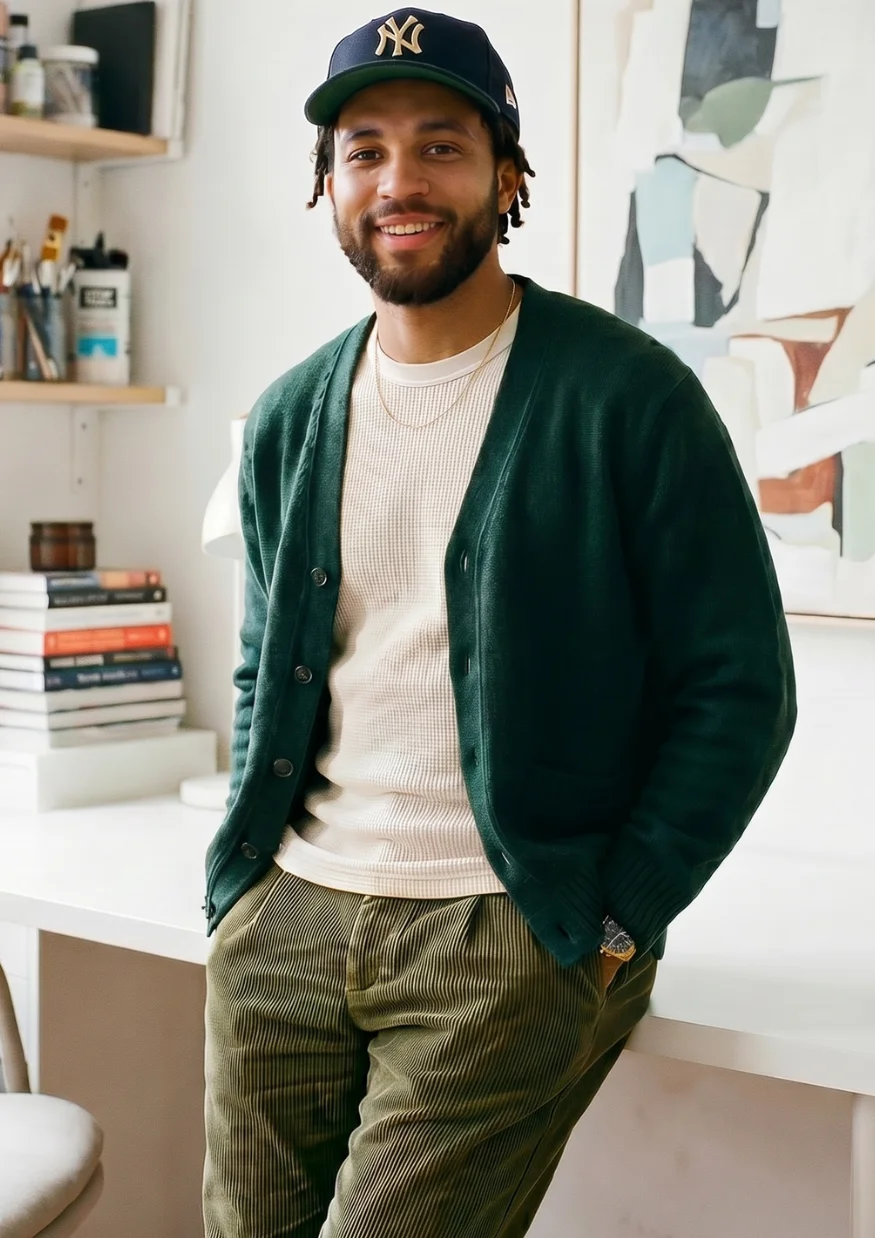
Photoreal images
Documentary-style portraits
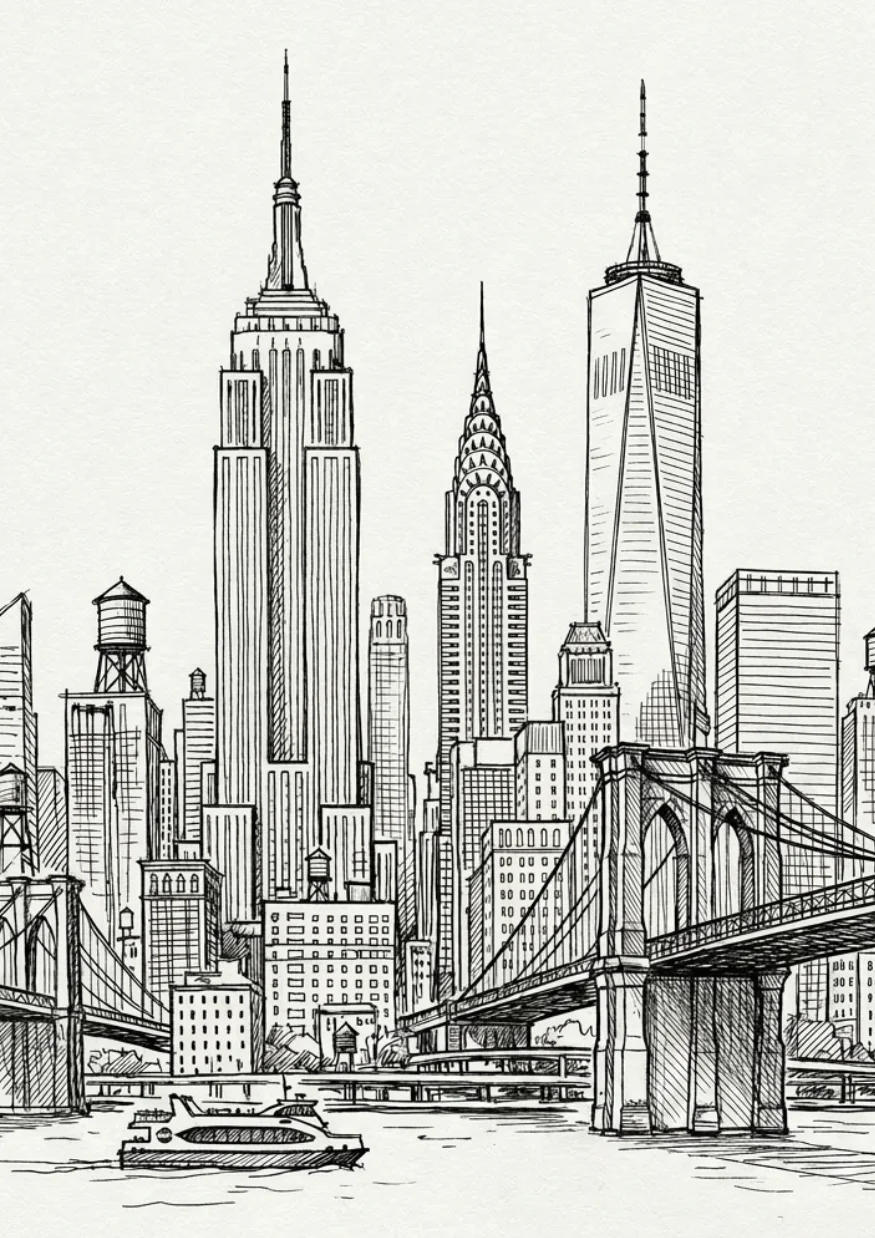
Illustrated images
Editorial illustrations
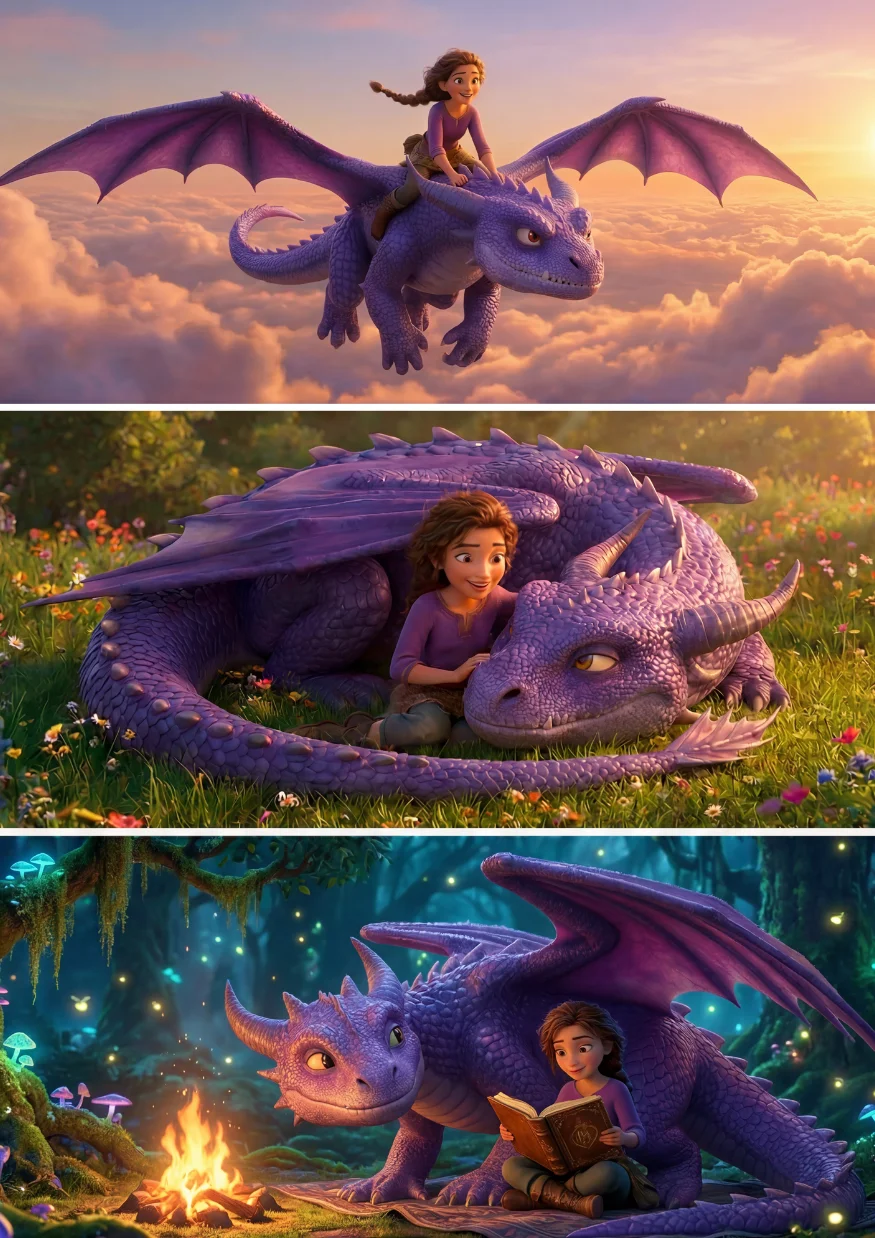
Character treatments
Consistent character across multiple scenes

Product shot images
Campaign-ready product images
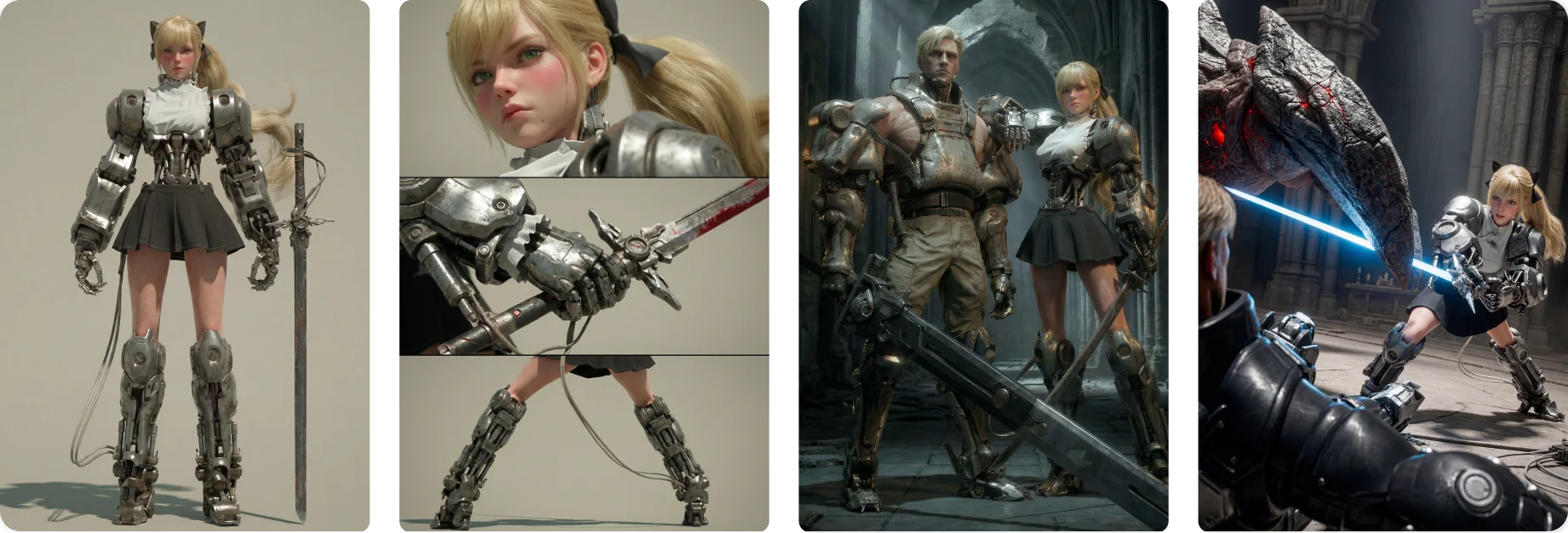
Same character — 4 poses and scenes
Consistent characters across every image
Once you have a character you like, you can easily reuse them across an entire campaign or storyboard. Runway keeps faces, costumes and stylistic treatment consistent across generations so you can build a body of work, not just one image.
Explore charactersUsed in production
From mood board to final asset, professional teams build with Runway.
Shutterstock
Learn how Shutterstock has integrated Runway’s AI image generation capabilities directly into their tool.
Read the story
Obsidian
Explore why Obsidian chose Runway for reliable character consistency.
Read the story
Havas Group
See how Havas Group uses reference images to uplevel their creative production.
Read the story
FAQ
- Is Runway’s AI image generator free to use?
- Yes. Runway has a free plan — no credit card required. Sign up to start generating AI images today.
- How do I make AI images that look realistic?
- Getting realistic results is mostly about describing what you want clearly. There’s no special skill required to start — check out our image prompting guide for more tips on what to include and gives examples you can build from.
- Can I use AI-generated images commercially?
- Yes. What you create in Runway is yours — you own your work on every plan, including the Free plan.
- What’s the difference between an AI image generator and an AI art generator?
- The difference between an AI image generator and an AI art generator is mostly just wording. Both terms point to the same technology — what changes is what people picture when they say it, not how it works.
- Can I edit an AI-generated image after I create it?
- Yes. Once you’ve generated an image, you can keep refining it in Runway rather than starting over. Relight, swap backgrounds, change styles or add characters without regenerating the whole image.
- How does Runway compare to other AI image generators?
- Most image generation tools only do image generation. Runway is a new kind of creative platform with everything you need to make any image, video or piece of content — all in one place. We build our own frontier models and host others too, so you always have access to the best AI models.
Try Runway for AI image generation
Generate, edit and iterate with the most powerful AI image generation models in one place. Free to start.
Try Runway for free
