Introducing Aleph 2.0 — our upgraded video editing model. Get 50% off Pro when you use code RUNWAY50. Terms.
Try Now

Runway MCP

Generate images and videos in any agent.

Use Runway in Claude, ChatGPT, Cursor and other compatible agents.
Access Seedance 2.0, GPT image 2, Kling, Nano Banana Pro and Gen-4.5 right from your conversation.

Set up Runway MCP

1.Go to Claude → Customize
In Claude desktop or claude.ai, go to Customize → Connectors.
2.Add custom connector
Name it Runway and paste the link: https://mcp.runwayml.com/mcp
3.Connect and sign in
Click Add → Connect, sign in with your Runway account. Then ask Claude to make an ad video.

A complete generation studio,
inside your agent.

Image and video

Generate images and videos

Explore ideas, restyle product shots and turn early concepts into images or videos without leaving the conversation.
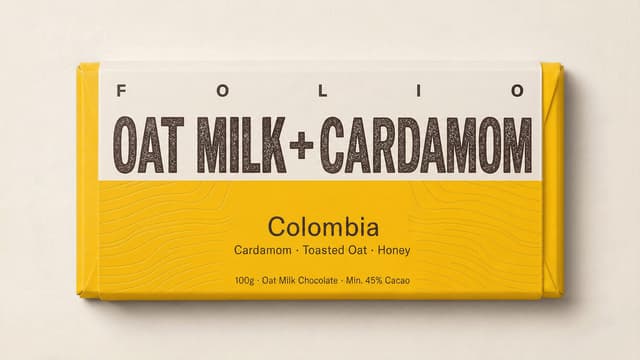
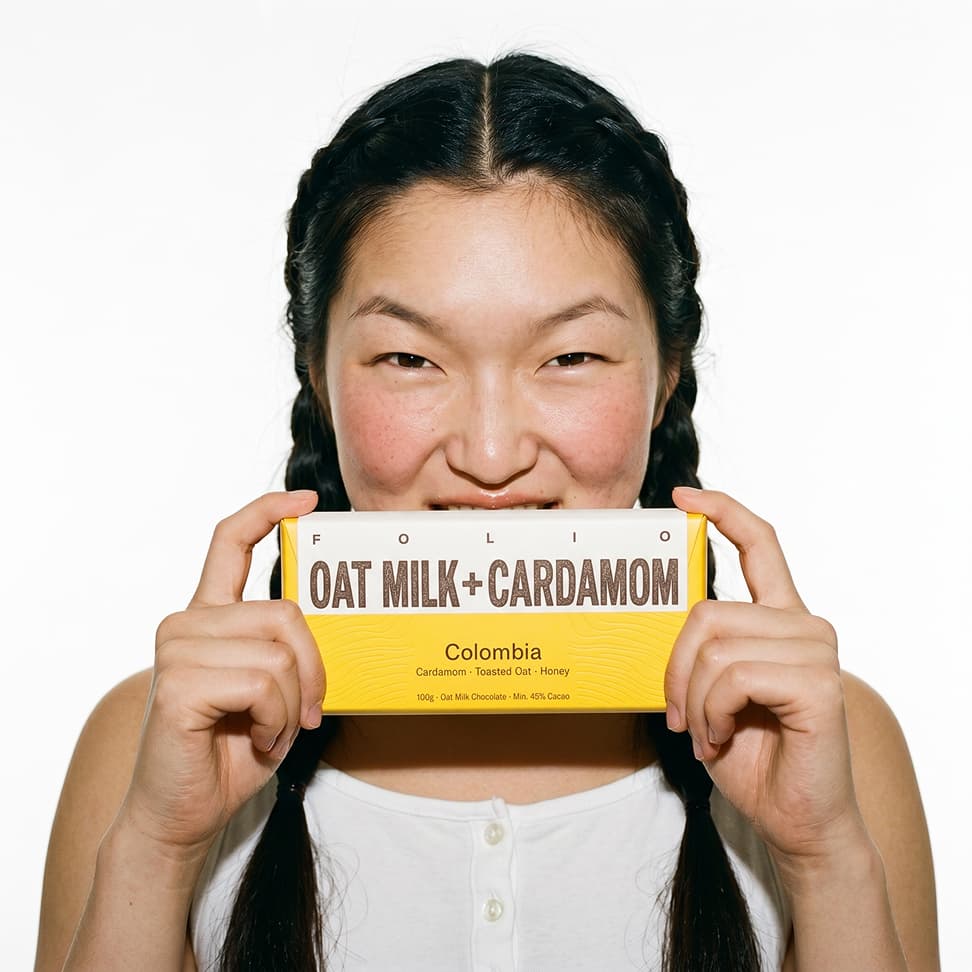
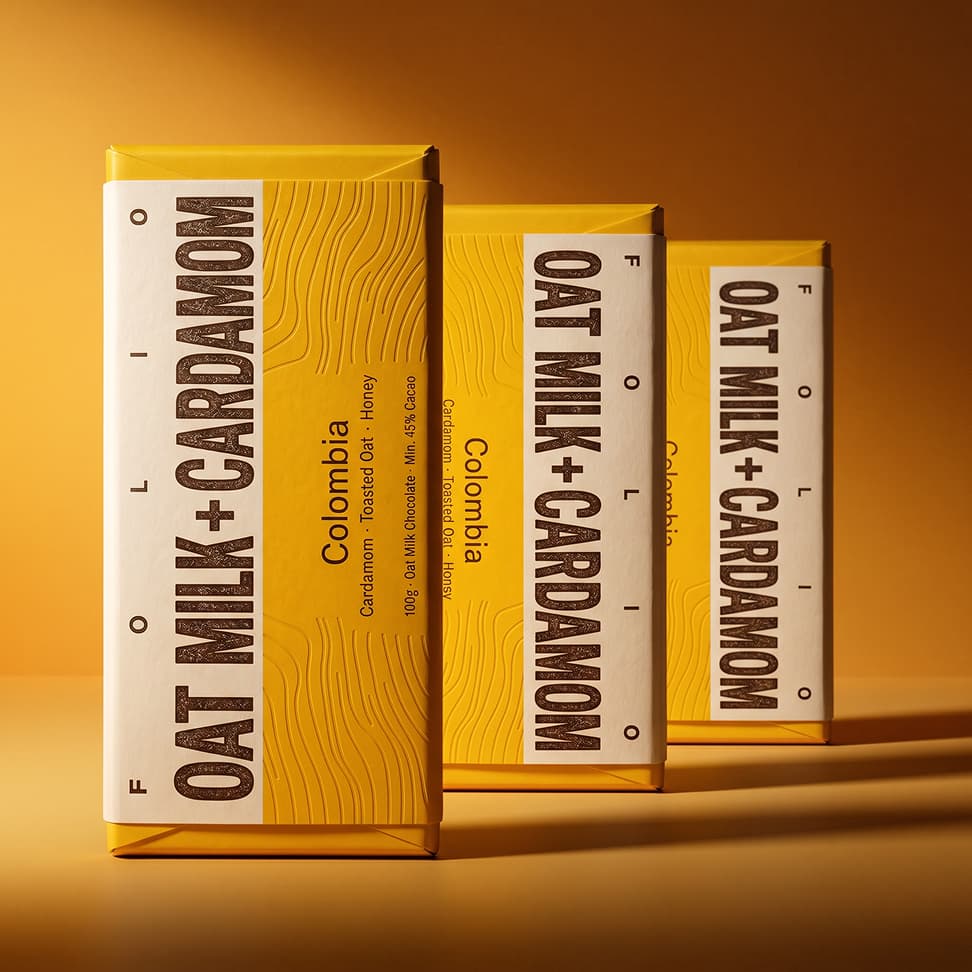
Generate 2 product images for this chocolate.
input product image
Runwaygenerated images
generated surreal product image
generated product image variant

Product marketing

Product marketing from a link

Send your agent a product page and ask Runway to create a polished marketing video.

Use this product URL to create a polished marketing video for launch: https://mygameconsole.com
Runwaygenerated video

Multi-shot storytelling

Dialogue-driven product spots

Write the line, set the scene and let Runway build a character-led product ad.
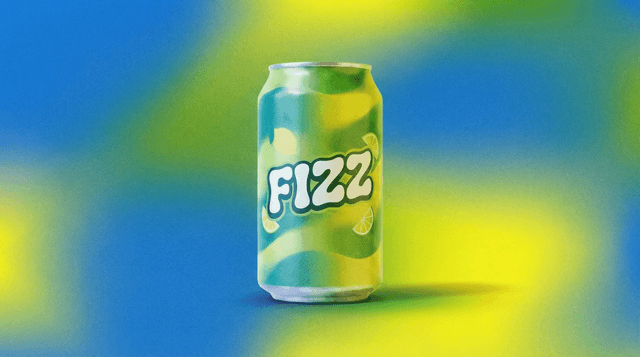
Make a playful dialogue-driven product spot with two crabs and a can of Fizz. One crab says "don't be so shellfish."
Fizz product reference
Runwaygenerated ad

Product sites

Product image to website

Turn a product reference into fresh product imagery and a polished website direction from the same agent conversation.

Can you use Runway to generate a hero video for these jewelry products, and make a shopping website?
Runwaygenerated video

Access to the latest state-of-the-art models

Gen-4.5
Seedance 2.0
GPT Image 2
Kling 3.0
Veo 3.1
Nano Banana Pro
Gen-4 Image
Gen-4 Turbo

One prompt to your agent.
Post the video.

Use this product URL to create a polished marketing video for launch: https://mygameconsole.com
Runway
+Write a message...

Frequently asked questions

What agents can connect to Runway MCP?
You can use Runway MCP in Claude.ai, Claude Desktop, ChatGPT, Cursor, Replit and other apps that support MCP (Model Context Protocol).
Which models can agents use?
Your agent can use models like Seedance 2.0, Kling, Gen-4.5, Veo, GPT image 2, Nano Banana Pro and more based on your Runway account plan. It can pick a model for you, or you can ask for a specific one.
How are MCP generations billed?
MCP uses your Runway credits, just like the Runway app. The cost depends on the model, resolution and other settings. You can manage everything from your Runway account.
Is an API key required?
No. Add the Runway MCP URL to your agent settings. Then sign in with your Runway app account.
Can teams use this for production work?
Yes. Runway MCP uses the same systems as the Runway app. Your generations are saved in your Runway library with the rest of your work.
Ask your agent to make marketing videos.