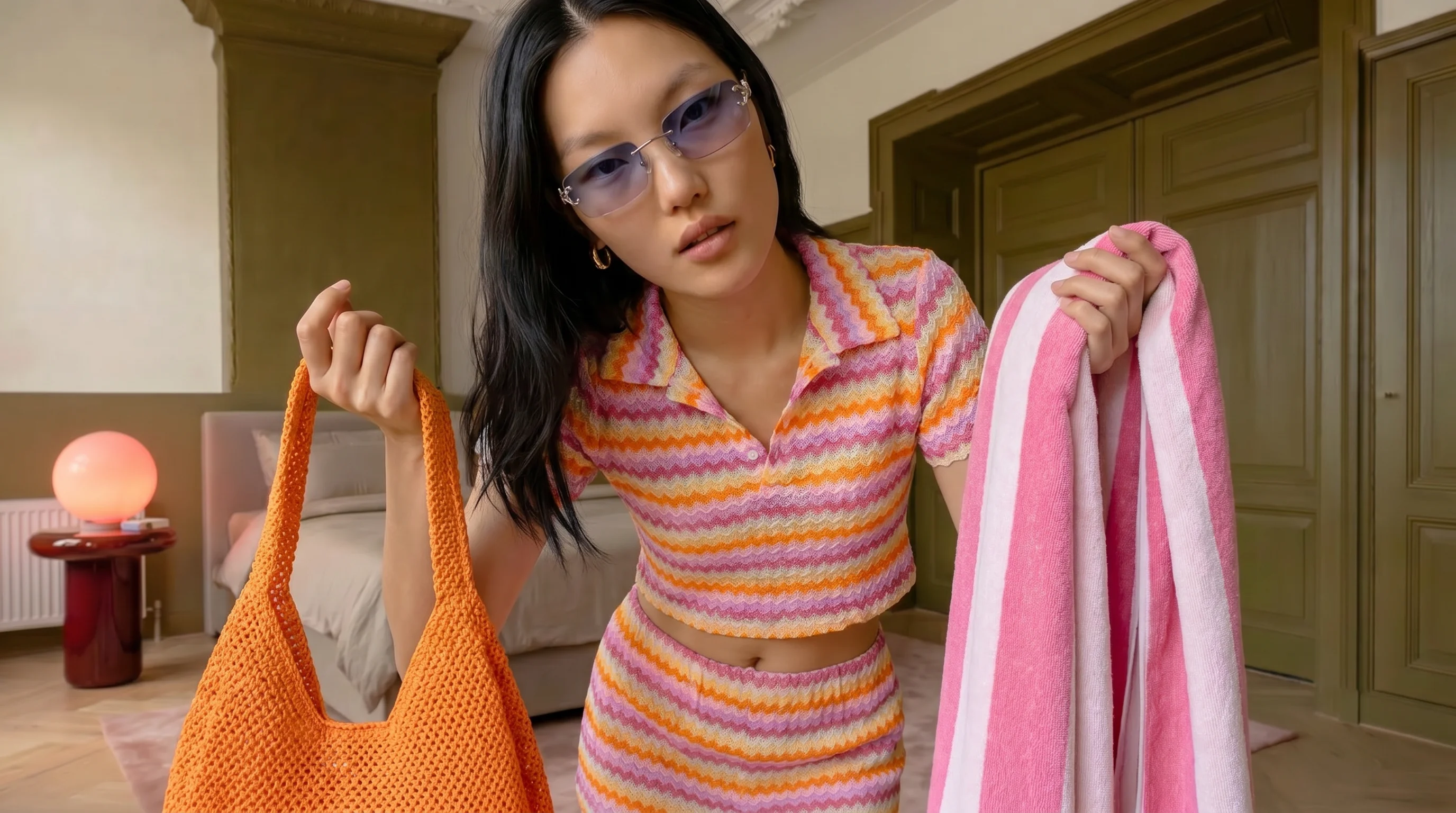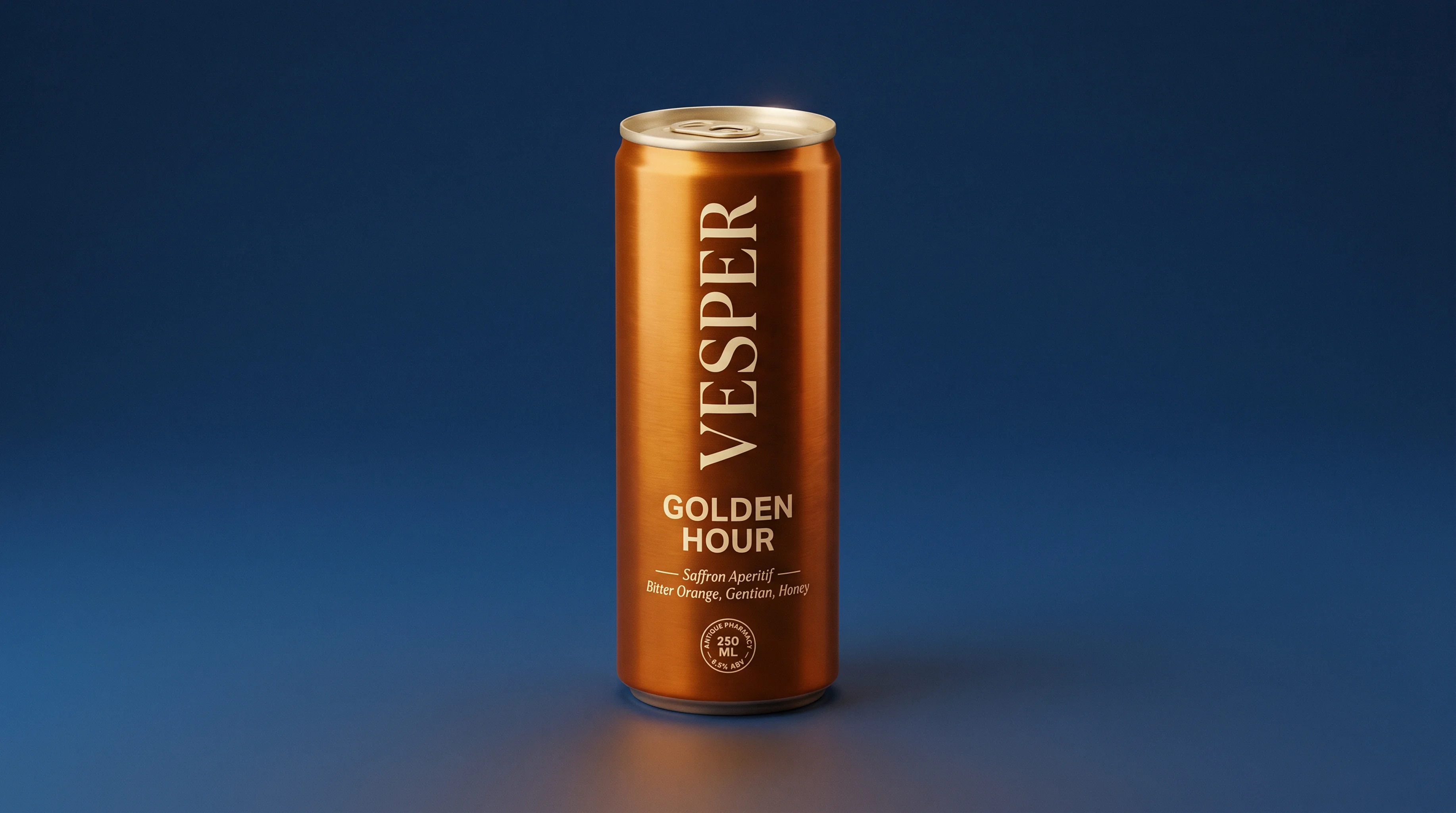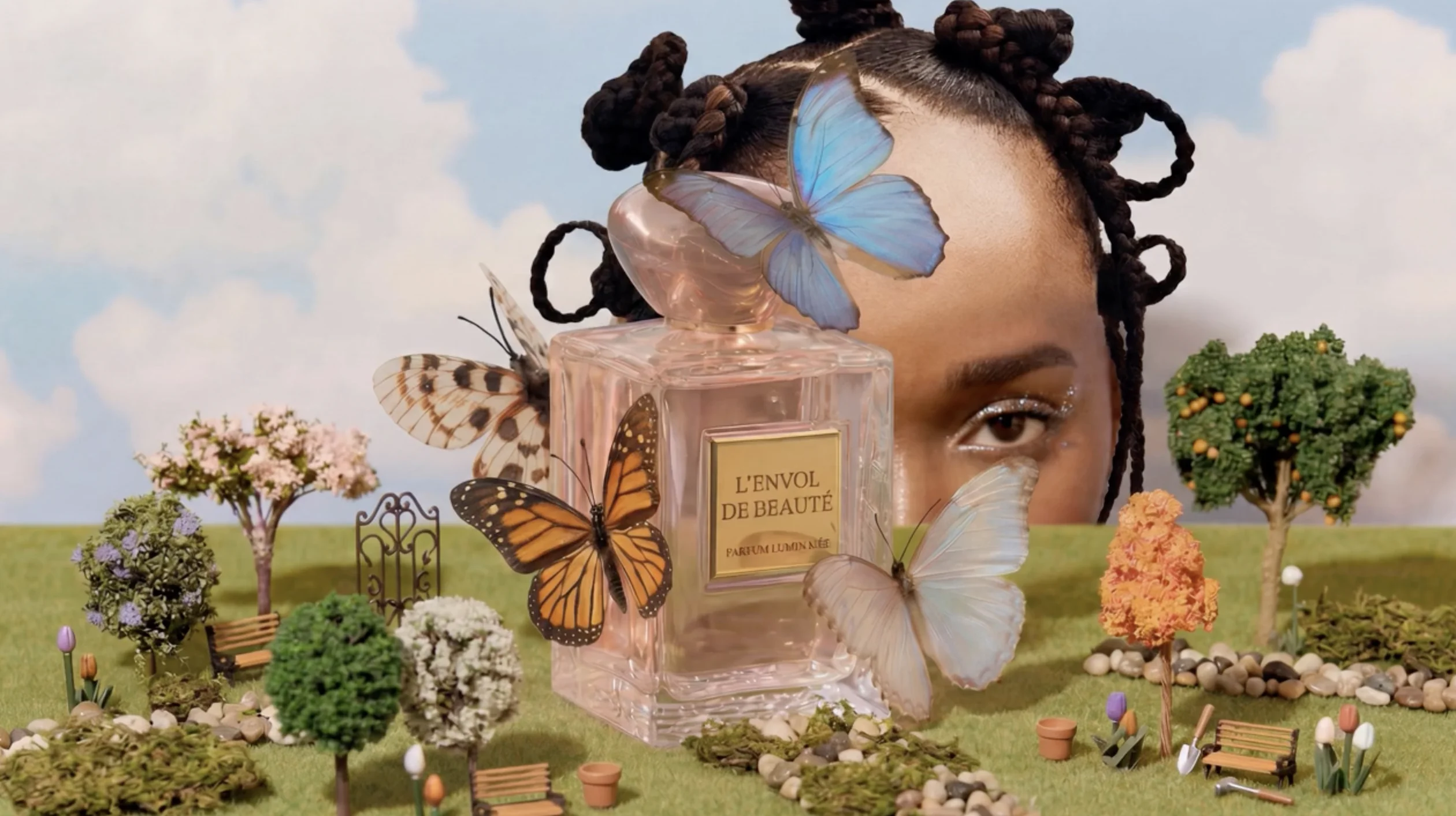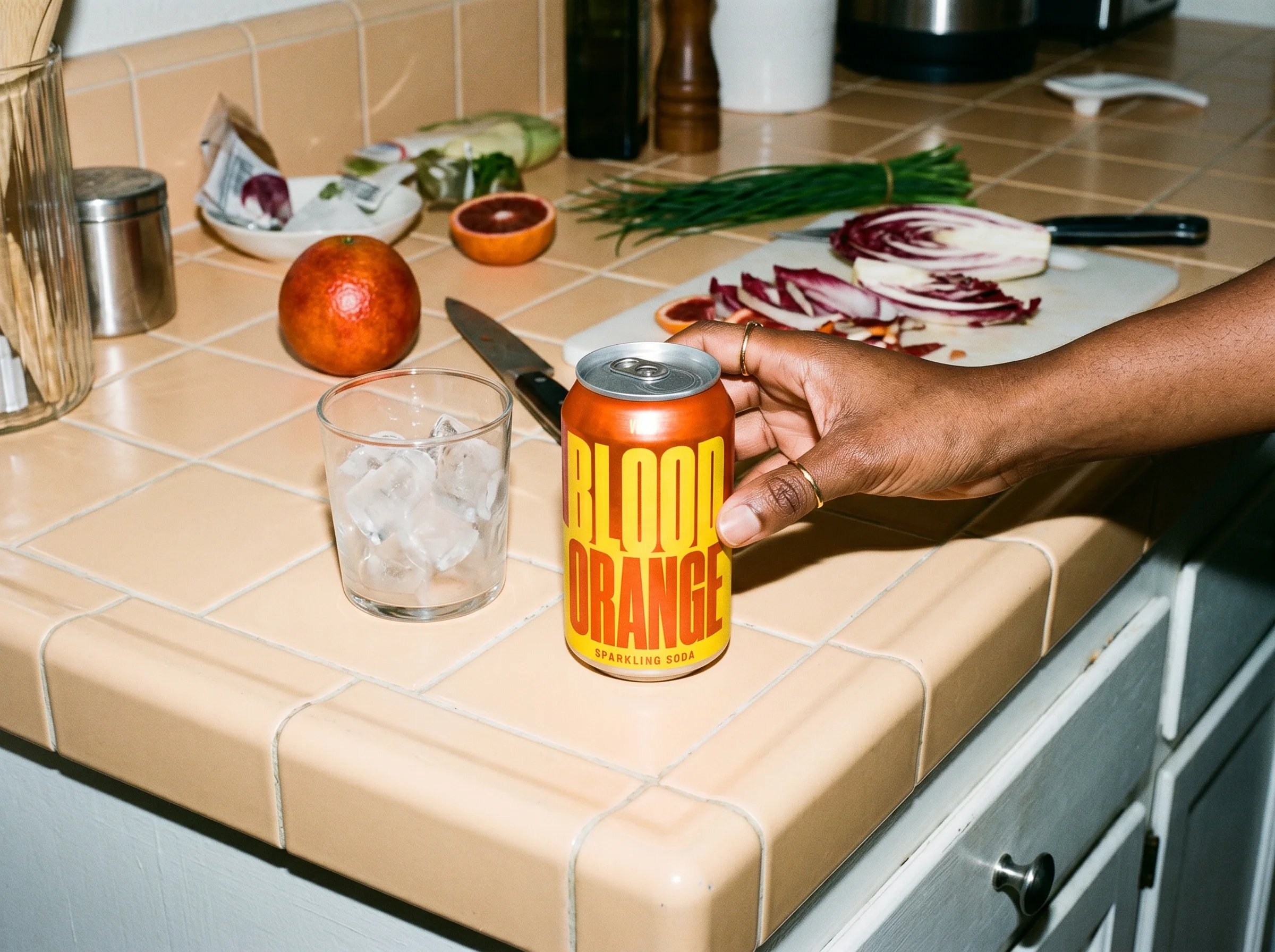
For a long time, an AI product mockup meant one thing: putting a logo on a blank t-shirt or a plain mug and calling it done. That's changed. You can now take an actual product, real or still a concept, and place it in any scene you can describe, light it like a studio shoot and explore a dozen variations before a single sample exists. For a product designer, that turns the mockup from a final flourish into part of the process.
What is an AI product mockup?
An AI product mockup is a realistic image of a product in context, created or edited with AI rather than photographed or built in a 3D tool. Instead of a render floating in grey space, you get the product on a shelf, in a hand or styled in a scene that reads like a real photo.
This is where it splits from the mockups most tools mean. Template mockup generators drop your artwork onto a fixed object, a preset t-shirt or a standard mug, which is useful for print-on-demand but limited to whatever templates already exist. AI product mockups start from your actual product or concept and place it in any setting you can describe, with lighting and perspective you control.
For a product designer, that difference matters. The mockup stops being a catalog of presets and becomes a way to visualize something that doesn't physically exist yet.
Why designers are reaching for AI mockups
Mockups have always been about getting a reaction before you commit, and that reaction leans heavily on the visual: Baymard Institute found 56 percent of shoppers' first action on a product page is to explore the images, before reading a word. The problem is that good mockups were slow. A photoreal visual meant a sample, a studio booking or hours in a rendering pipeline, none of which move at the speed you make early decisions.
AI collapses that. You can take a concept from flat file to a believable product shot in minutes, which changes what a mockup is for. A few specific shifts:
- Present concepts that earn a decision. A styled, in-context shot gets a clearer yes or no from a client or stakeholder than a render on a white background.
- Explore more directions for less. Trying ten material or colorway options costs ten prompts, not ten samples.
- Compress the front of the process. You can pressure-test how a product reads before tooling, sampling or a photoshoot exists.
That last point is the one that matters most for product designers and concept teams: the earlier you can see a decision, the cheaper it is to change it.
What you can do with AI product mockups
The range goes well past dropping a logo on a template. Here's what the category actually covers.
| Use case | Example scenario |
|---|---|
| Turn a product into a finished shot | You have a packshot from a supplier. You restage it as a lifestyle scene for a product listing, no photoshoot needed. |
| Generate concepts before a sample exists | You're pitching a new colorway. You generate a product shot from a description to show stakeholders before sampling. |
| Explore designs visually | You're deciding between three finishes. You generate each and react to them visually instead of describing them in a doc. |
| Stage products in any environment | You want to see how a product reads on a retail shelf versus in a home setting. You drop it into both without building either set. |
| Build mood boards | You're aligning a team on visual direction. You pull scenes and styles into a coherent set of images before the design review. |
Turn a design or product into a finished mockup
Start with what you have, a product photo or a design file, and place it into a finished scene. Runway's Reshoot Product app does this directly: upload your product and it restages it in a new setting with realistic lighting, so a plain packshot becomes a styled shot on a kitchen counter, a studio sweep or a lifestyle scene. Unlike template tools, you aren't picking from a catalog of preset objects, you're working with your real product in any context you can describe.
Generate product shots from scratch
When no physical sample exists yet, image generation can produce product shots from a description or a reference image. This is the move for the earliest concepts, where you're trying to see a shape or a finish before anything is built.
Explore designs visually
Use mockups to think, not just to present. Generate variations on form, material, color or finish and react to them visually instead of describing them in a doc. Shifting between different visual styles is a prompt away, which makes it cheap to chase a direction and abandon it.
Stage products in any environment
Drop a product into different environments to test how it reads: on a retail shelf, in a target customer's hands, in a room styled for a specific market. Virtual staging shows the product in context without building or shooting the set, which is most of the cost of a traditional product shoot.
Pull mood boards together quickly
Pull concepts, scenes and styles into a coherent visual direction quickly, so a pitch or a design review starts from images everyone can see rather than adjectives everyone interprets differently.
How AI product mockup generators work
Most AI mockup tools are built on image generation and image editing models, and they take one of two approaches.
Generation from a prompt or reference. You describe the product and scene, or hand the model a reference image, and it generates a new image. Good for concepts that don't exist yet, less precise about matching an exact existing product.

Prompt: Stage the room with a couch
Editing an existing image. You give the model your real product photo and it changes the context around it, the background, the lighting, the scene, while keeping the product itself consistent. This is what powers the upload-and-restage workflow, and it's the more reliable path when the product has to stay true to the real thing.
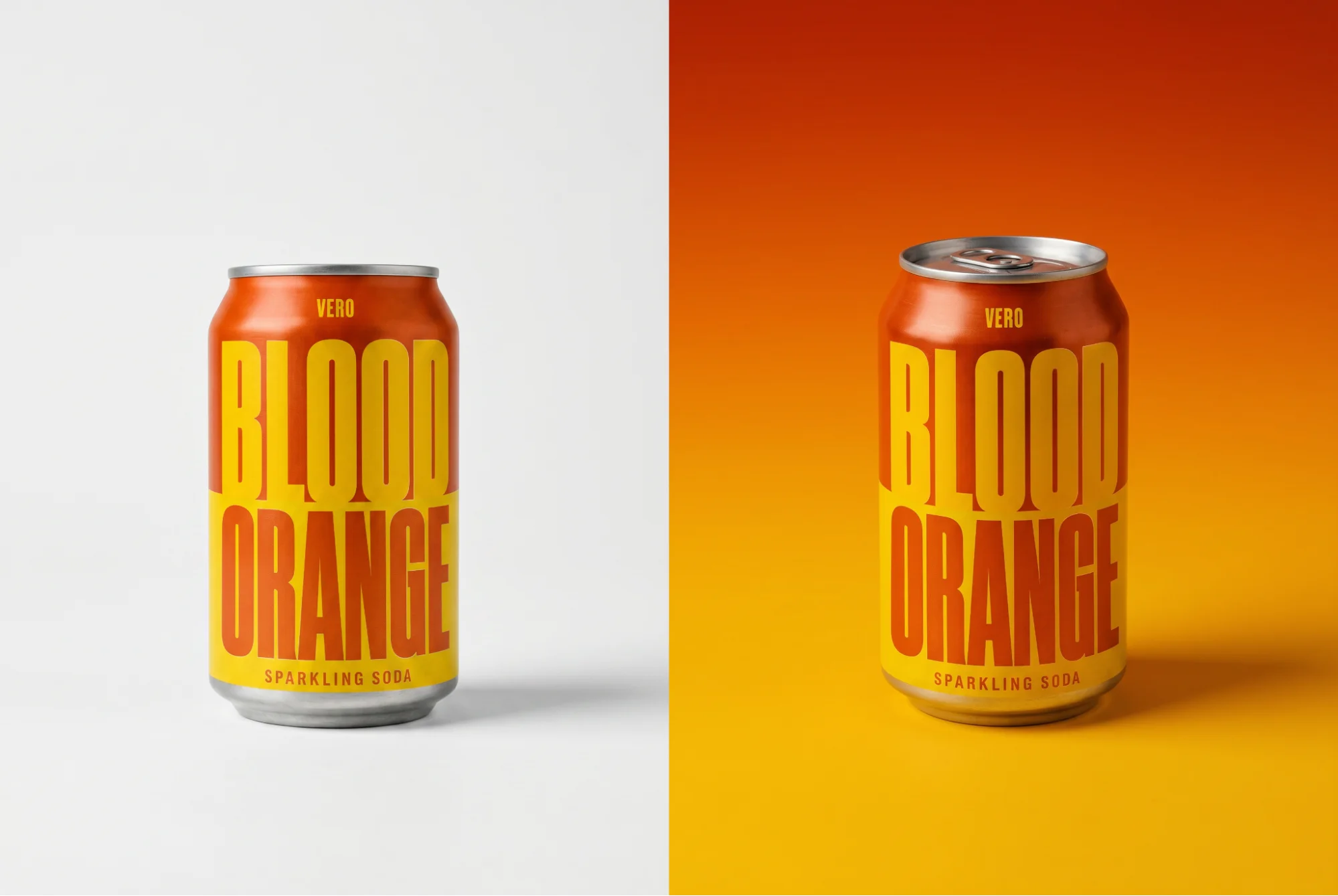
Prompt: Color background with gradient
The control that matters most is consistency: keeping your product looking like your product across every scene. That's the hard part of AI mockups, and it's where tools differ most.
How to create a product mockup with AI, step by step
- Start with your input. Use a clear photo of your product, or a description or reference if it's still a concept. The cleaner the source, the more believable the result.
- Choose the scene and context. Decide where the product should live: a studio sweep, a lifestyle setting, a retail shelf, a specific market's aesthetic. Be specific about lighting and surface.
- Generate or restage. In a tool like Reshoot Product, upload the product and prompt the scene, and the model places it with matched lighting. Run one scene first to check before batching variations.
- Refine angle and lighting. Adjust the camera angle and lighting until it reads like a real shot rather than a composite.
- Upscale and export. Bring it to full resolution for a deck, a pitch or a product listing.
Fitting AI mockups into your workflow
AI mockups are most useful when they slot into work you're already doing, not as a separate exercise. A few places they fit for design teams:
- Concept review. Bring three styled directions to a review instead of one render and a lot of talking. The conversation moves faster when everyone reacts to the same images.
- Client and stakeholder pitches. Show the product in the client's world, their shelf, their customer, their market, so the pitch lands as a decision rather than a maybe. This is where ideation and concepting work earns its keep.
- Design research. Test how a concept reads with users before committing to tooling or a sample, using mockups as low-cost stimulus.
- Iteration before production. Catch proportion, finish or context problems while they're still cheap to change, on screen instead of in a sample run.
The throughline: AI mockups let product designers, design engineers and concept developers make visual decisions earlier and more often, which is exactly when those decisions cost the least.
Frequently Asked Questions
Which AI is best for product mockups?
It depends on what you're starting from. For dropping a design onto preset apparel, a template mockup generator is fine. For real product visualization, where you need your actual product staged in a scene with believable lighting, an AI tool that edits and restages real images is the stronger choice. Runway's Reshoot Product app is built for exactly this, which makes it a better fit for product designers than the print-on-demand tools that dominate the category. Unlike template tools, it works from your actual product rather than a preset object, so the output stays true to what you're building.
How do you create a product mockup using AI?
Start with a product photo or a description, choose the scene you want, then use an AI tool to generate or restage the product in that context. Refine the angle and lighting, upscale, and export. The whole loop takes minutes, which is what lets you try several directions instead of betting on one. In Runway's Reshoot Product app, that means uploading your product, prompting the scene and iterating on angle and lighting until it reads like a real shot.
Is there an AI for product design?
Yes. Beyond mockups, AI is used across product design for ideation, concept visualization, product photography and presentation. Runway sits in this space as an AI creative platform: Reshoot Product for staging real products, image generation for early concepts and editing tools for refining them. It's less a single mockup button and more a set of tools for the visual side of product work.
Start building product mockups
AI is changing how product design teams work. Concepts get validated faster, fewer samples get made and visual decisions happen earlier in the process before they're expensive to change. Runway's Reshoot Product app is built for exactly this: upload your product, stage it in any scene you can describe and refine until it's ready to present. Get started for free.
Related: What is AI image generation · AI image styles