AI video editor
Edit any video with AI
Change a backdrop, restyle footage, swap a product or update lighting — across real video and AI-generated clips. Powered by Aleph 2.0.
How AI video editing works with Runway
01. Upload your footage
Real video or existing AI clips. Edit Studio supports sequences up to 30 seconds at 1080p.
02. Describe the edit
Change a backdrop, swap a product colorway, update lighting or restyle the whole shot — in plain language.
03. Preview as an image first
See the change as a reference frame before you commit to generating. Refine until it's right.
04. Generate across your sequence
Aleph 2.0 applies the edit across every shot — including across cuts and scene transitions — automatically.
Precise, localized edits
Change what you want. Keep everything else.
Most AI editing tools change more than you asked — new cuts appear, the action shifts, the background drifts. Aleph 2.0 only touches what you described. Background, motion and lighting stay exactly as they were.
What you can change with Runway
Backdrop & environments
Swap a location, add a setting or change the time of day without re-shooting.
Lighting & color
Restyle the mood, correct an exposure or match a scene to a different season.
Objects & products
Update a product to a new colorway, swap a prop or remove distractions from the frame.
One source clip. Every version you need.
Make the summer campaign. Then the winter one. Test a new backdrop before the shoot. Swap a product colorway before launch. One source file — as many variations as your brief requires.
Original footage
New backdrop
Winter colorway
Restyled scene
Stop re-shooting. Start re-editing.
Edit the video you already have. With Runway.
Start editing for freeUsed in production
See how agencies, brands and studios use Runway to edit real footage.
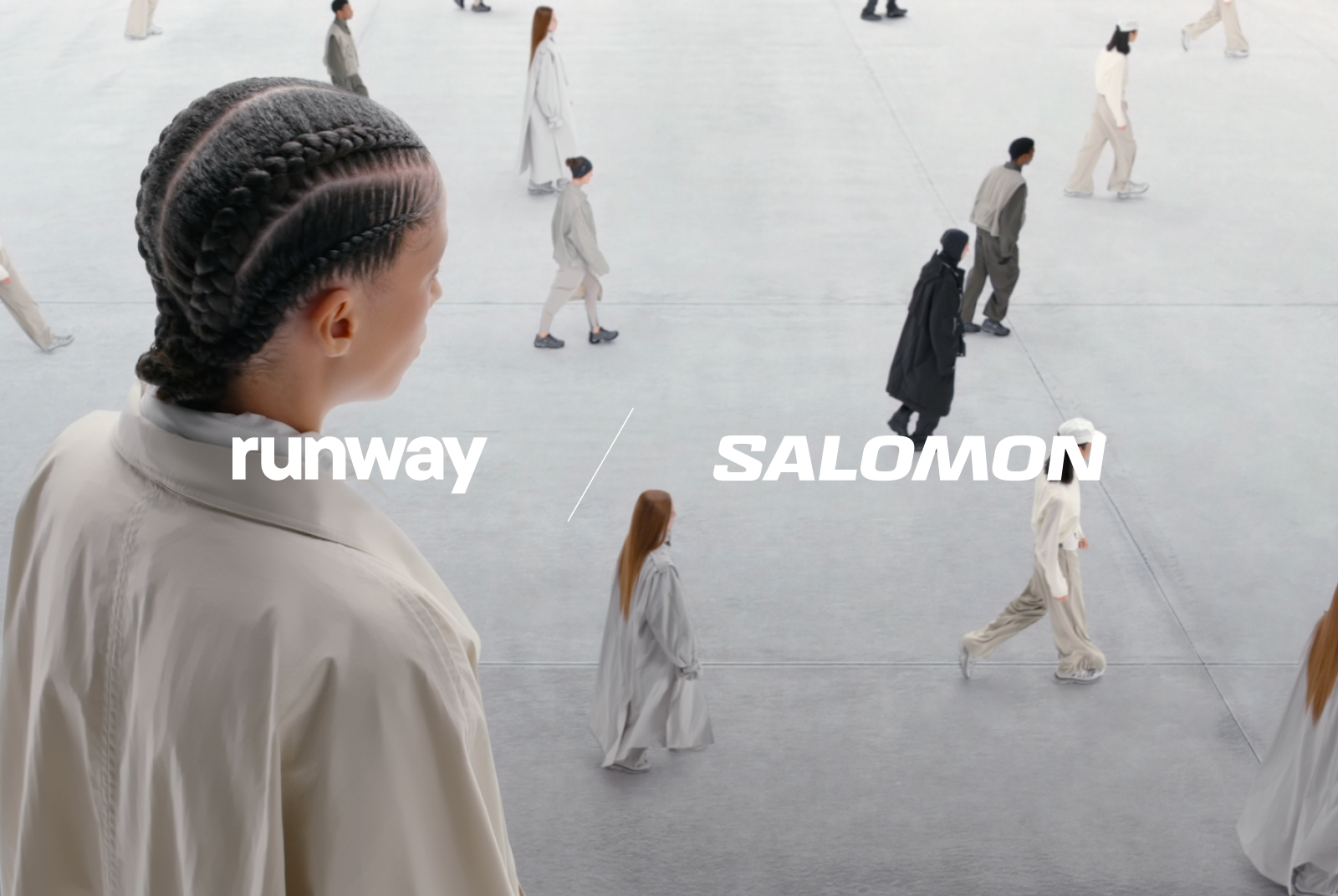
Salomon
Learn how Salomon used Runway to edit live-action footage into new worlds.
Read the story

Under Armour
Explore how Under Armour used Runway to add effects to live-action footage.
Read the story
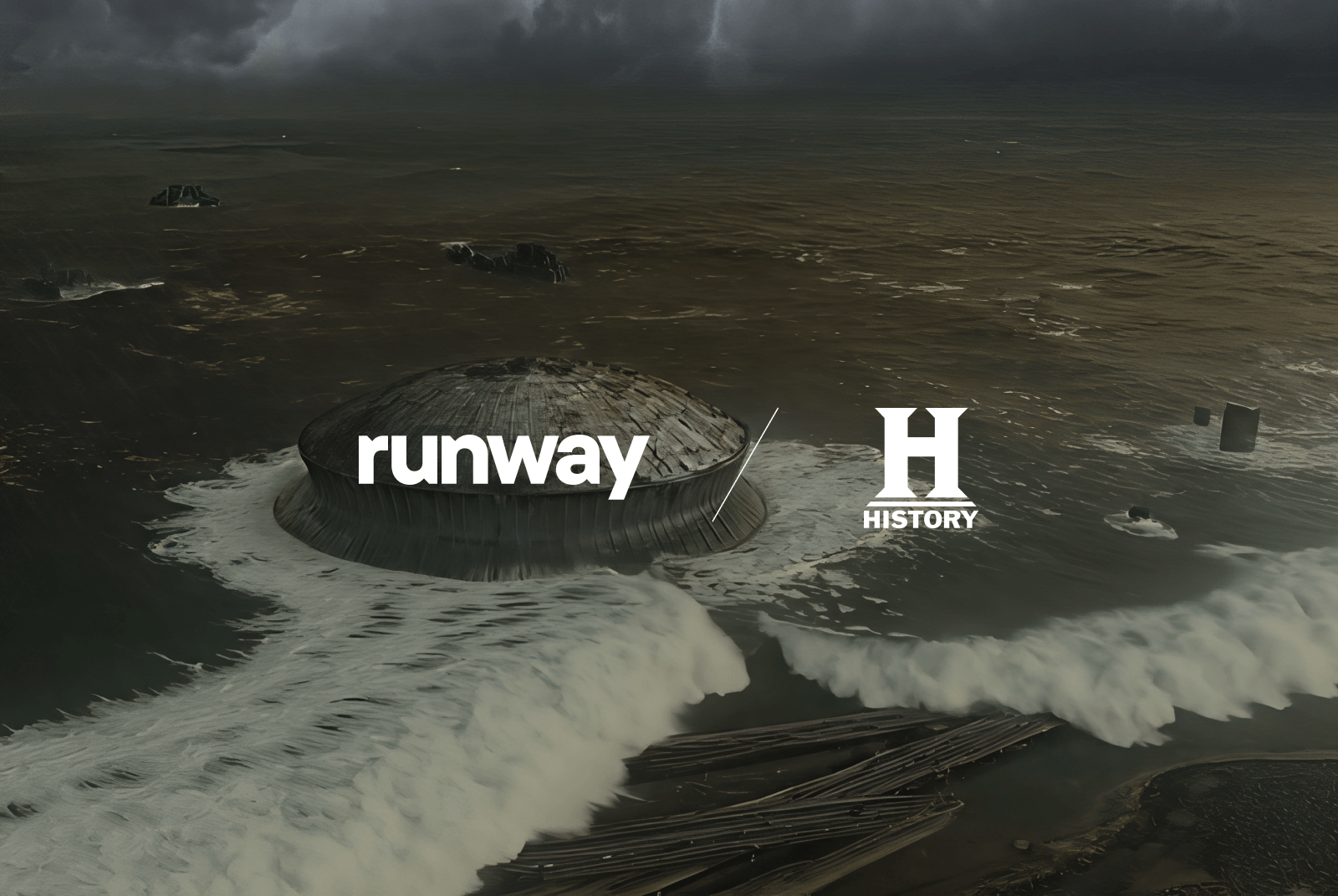
History Channel
See how History Channel used Runway to turn real footage into cinematic VFX.
Read the story
Who uses Runway's AI video editor
Video editors and post-production teams
Make precise edits on real footage without manual rotoscoping or re-shoots. Integrate AI edits into your existing pipeline.
Marketing and campaign teams
Generate multiple versions of a campaign asset from one source clip. Test backdrops, swap products and localize without going back to production.
Filmmakers and directors
Refine shots in post — restyle, relight or change an environment across a full sequence without returning to set.
FAQ
- What is an AI video editor?
- An AI video editor uses machine learning models to make targeted changes to video — changing backgrounds, relighting scenes, swapping objects or restyling footage — without frame-by-frame manual work.
- Can Runway's AI video editor work on real footage?
- Yes. Aleph 2.0 works on real video you've filmed, not just AI-generated clips. Upload existing campaign assets, product shoots or raw footage and edit them directly.
- How precise are AI video edits with Runway?
- Very precise. Aleph 2.0 only changes what you describe — background, motion and unaffected elements stay exactly as they were. It's designed to avoid the unintended changes common in AI video tools.
- Does it work across multiple shots in a sequence?
- Yes. In Edit Studio, Aleph 2.0 applies your edit across every shot in a multi-shot sequence — including across cuts — up to 30 seconds at 1080p. You don't need to edit shot by shot.
- What is Edit Studio?
- Edit Studio is the product surface inside Runway where Aleph 2.0 lives. It's a purpose-built editing experience with a timeline, frame preview, prompt input and multi-shot export. Available on all paid Runway plans.
- How is this different from traditional video editing software?
- Traditional editors like Premiere or DaVinci Resolve are non-destructive cut tools — they don't change what's inside a clip. Runway's AI video editor works on the content itself without re-shooting. The two work alongside each other.
- Is there a free AI video editor?
- Yes. Runway has a free plan. Create a free account and start editing, no credit card required. Edit Studio and Aleph 2.0 are available on paid plans — see runwayml.com/pricing for the full breakdown.
Edit your next video with Runway.
Real footage. Precise edits. Every version your brief requires.
Start for free


