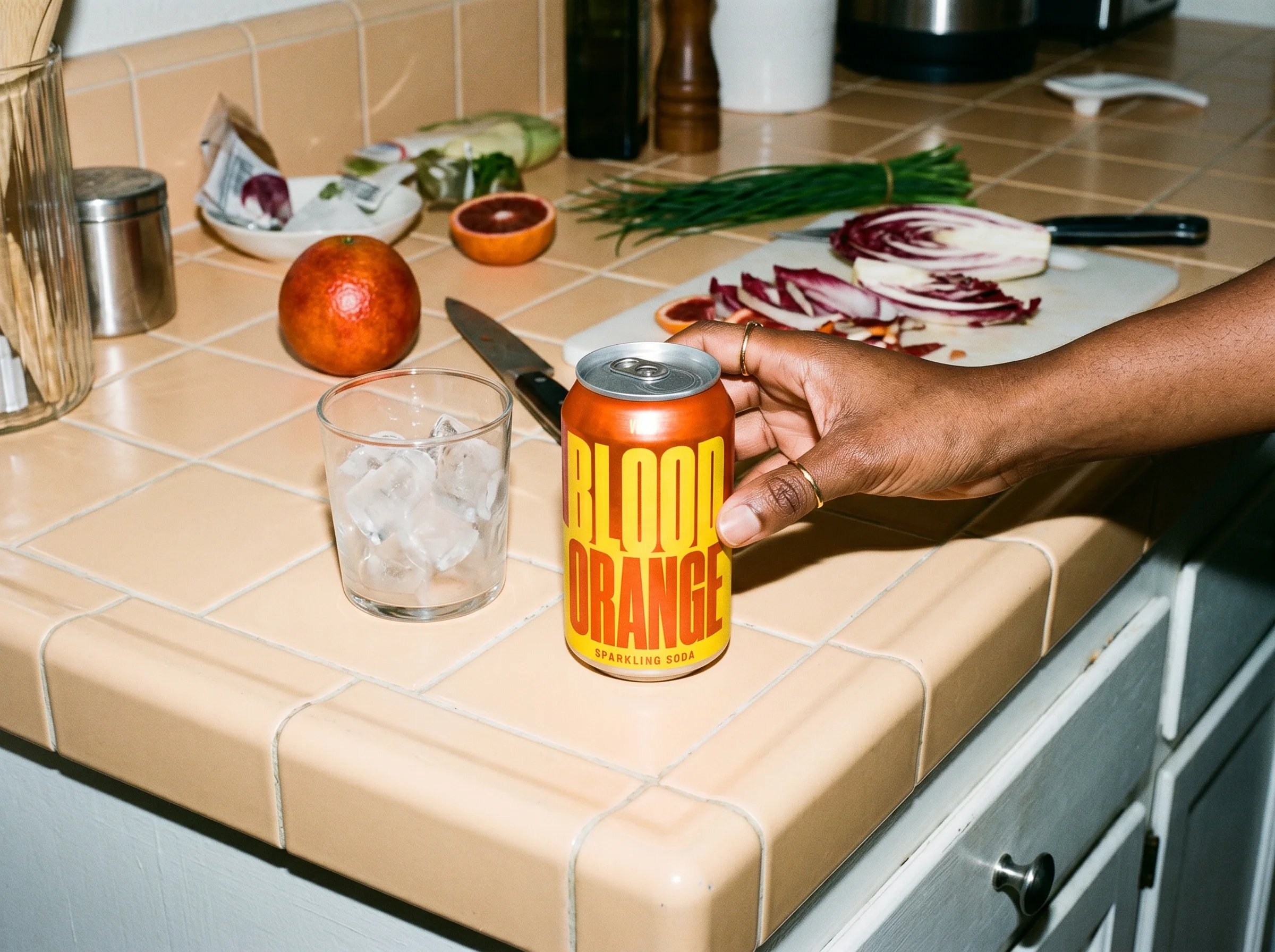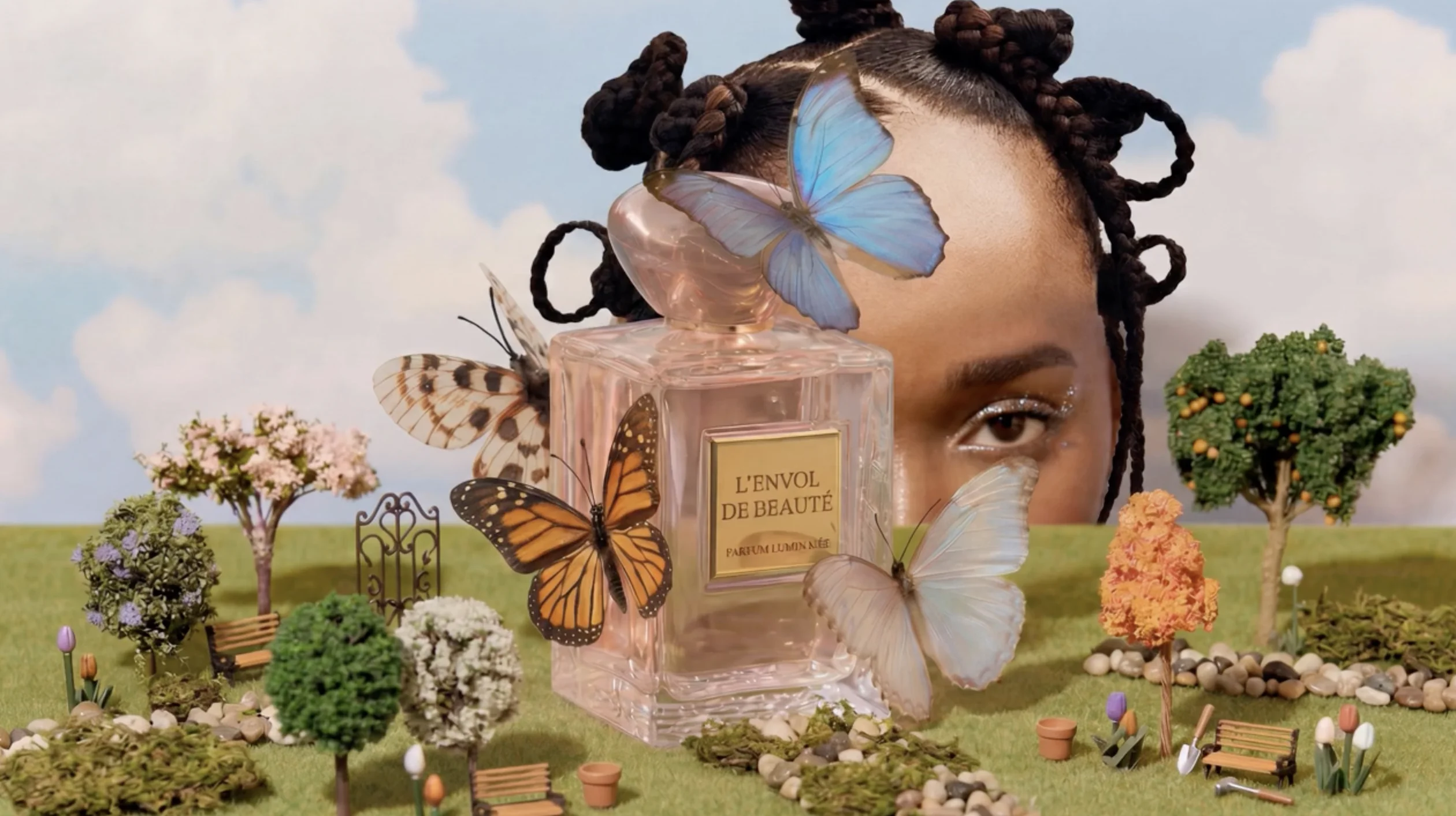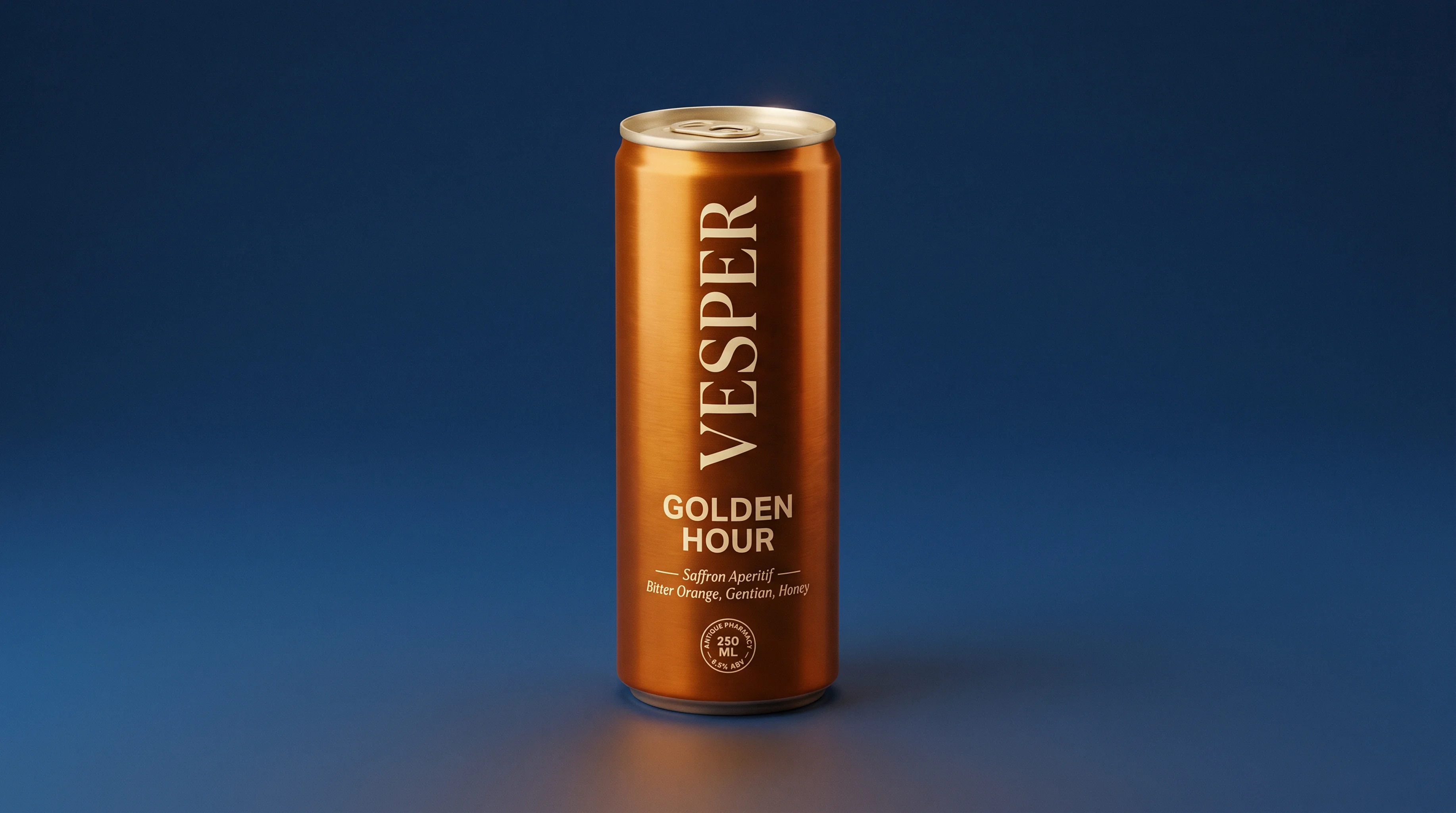
Nearly two-thirds of consumers have tried a new product because the packaging caught their eye. Getting to a version worth testing used to mean rounds of design and a printed sample before you knew whether the idea worked. With AI you can explore directions, stage the strongest one on a real product and see whether it holds attention, long before you commit to a print run.
What is AI packaging design?
AI packaging design is the use of AI tools to generate, refine and visualize packaging: the box, bottle, pouch, label or bag a product ships in. Instead of starting every concept from a blank artboard, you describe what you want, the AI produces directions you can react to, and then it helps you stage them as realistic product shots.
It covers two related jobs that often get blurred. The first is the design itself: the artwork, layout, color and structure on the package. The second is the visualization: showing that design on a believable product in a real scene, which is what stakeholders and customers actually respond to. The gap between a flat label mockup and a styled shot on a shelf is usually the gap between a concept that gets approved and one that doesn't.
Where AI packaging design works best
AI packaging design is best for the early, exploratory part of the process, where speed and volume matter more than final precision. A few things it does well:
- Explore many directions quickly. Generate ten takes on a look in the time it would take to brief a single designer. Then choose, rather than iterate on one idea.
- Visualize concepts in context. See a design on a real bottle, can or carton rather than as a flat file, before anyone has touched a print spec.
- Test creative directions. Put two or three concepts in a realistic scene and compare how they read side by side before committing to one.
- Build launch and pitch assets early. Turn an approved concept into product shots for a deck, a retailer pitch or a pre-order page before anything is printed.
The roles that get the most from it:
- Founders and brand owners who need a credible-looking concept before they can afford a designer or a photoshoot.
- Packaging and brand designers using AI to widen the option set and skip the slowest manual steps.
- Marketing and creative teams that need launch visuals and variations on a deadline.
- Product teams pressure-testing how a package reads before tooling or a sample run, often as part of earlier ideation and concepting work.
How to design packaging with AI, step by step
Most AI packaging work follows the same five steps. The first three show up in every guide. The last two are where you go from a design to something campaign-ready.
- Brief the brand and the basics. Before generating anything, get clear on the product, the audience, the brand cues and the format. The more specific the input, the more usable the output. (Prompt specifics are in the next section.)
- Generate concepts. Use a text-to-image tool to produce directions from your brief. Runway's AI image generator is built for stylized concept generation. Other tools like Midjourney and Adobe Firefly work too — or if you have existing photography or reference images, those make a strong starting point without generating from scratch. Packaging-specific tools like Pacdora add 3D structure and dielines.
- Refine the design. Pull the strongest concept into a design tool to fix layout, typography and color, and to correct anything the model got wrong. This is where a human takes over from the model.
- Visualize it on a real product. Take your refined design and stage it as a realistic product shot. Runway's Reshoot Product app does this directly: upload the package and it restages it with real lighting on a shelf, in a hand or in a styled scene, so you see the design the way a customer would.
- Turn it into launch assets. Once a direction is approved, generate the variations with a solution like Runway Agent for launch needs, different scenes, formats and angles, so the campaign visuals are ready before the physical product exists.
The first three steps get you a design. The last two are what let a small team show up to a pitch or a launch with finished-looking visuals and no printed sample in sight.
What to put in an AI packaging design prompt
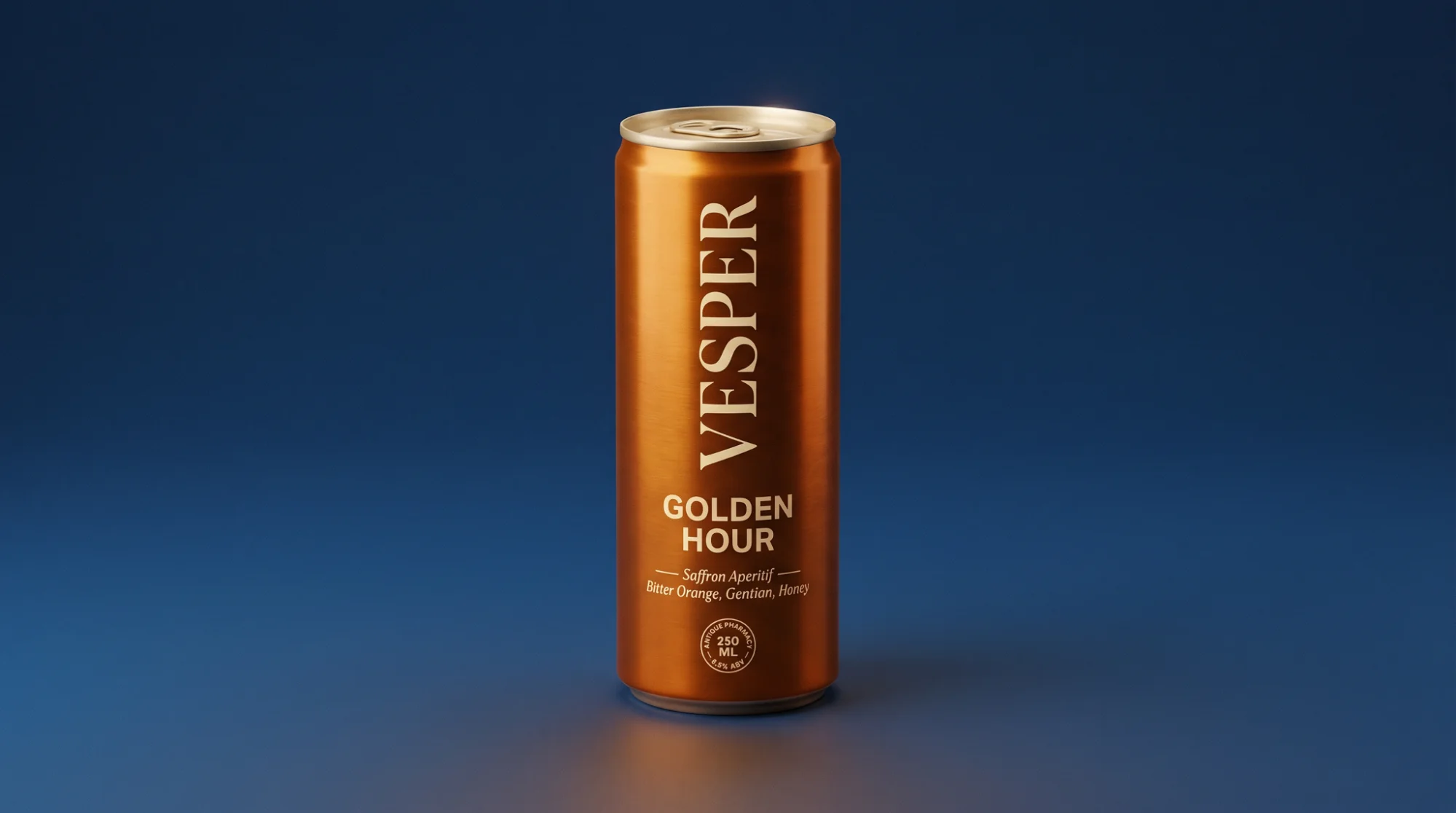
A vague prompt gives you a generic package. The fix is specificity: tell the model what the product is, who it's for, the format, the style and the details that make a brand recognizable. A working structure:
| Prompt element | What to specify | Example |
|---|---|---|
| Product and format | What it is and the package type | “a matte kraft stand-up pouch for single-origin coffee” |
| Brand and audience | The vibe and who it's for | “minimal, premium, for a design-literate specialty market” |
| Color and material | Palette and finish | “warm off-white with a single deep-orange band, soft-touch matte” |
| Typography cue | Type feel, not exact copy | “clean modern sans, generous spacing, small all-caps label” |
| Scene and lighting | Where and how it's shot | “on a concrete countertop, soft daylight from the left” |
Two habits help. Keep the actual on-pack text short or add it later, since models still garble copy. And generate in batches, so you're choosing between options rather than fixing one. Shifting the visual style is a prompt away, which makes it easy to chase a direction and drop it.
Striking the AI and human balance
AI is fast at breadth and weak at the things packaging can't get wrong, which is exactly why a human stays in the loop. Three places to keep control:
On-pack text. Generation models still struggle to render legible on-pack copy, because they output a raster image rather than set type, so labels often come out garbled. Treat any AI text as a placeholder and set the real type yourself.
Materials and structure. A model will happily render a package that looks premium but can't actually be made or recycled, like a paperboard-and-plastic carton fused into one inseparable material. In testing by Packaging School, AI tools repeatedly turned ready-to-recycle mono-material designs into multi-material packages that look appealing but undermine recyclability. If the design has to ship, a person checks it against real production and sustainability constraints.
Brand fidelity and taste. AI widens the option set, but it doesn't know your brand. The judgment about which direction is right, and whether it's on-brand, stays human.
The useful way to think about it: AI handles the first 80 percent of exploration in a fraction of the time, and a person owns the last 20 percent that decides whether the package is real, legal and on-brand.
Frequently Asked Questions
What is the best way to design packaging with AI?
Pair the right tool to each stage rather than expecting one to do everything. Use a text-to-image model to explore concepts, a design tool to refine the winner, and a staging tool to visualize it on a real product. For that visualization step, where the design has to sit believably on a 3D package, Runway's Reshoot Product app works well because it starts from your real design rather than a fixed template.
What are the limitations of AI packaging design?
The main ones are text rendering, where models garble on-pack copy, and physical accuracy, where a design can look great but ignore how the package is actually manufactured or recycled. AI also doesn't know your brand or your regulatory requirements. It's best treated as a fast way to explore and visualize, with a human owning the final design, copy and production decisions.
What types of packaging can I design with AI?
AI packaging design tools work across most common formats — boxes and cartons, stand-up pouches, bottles and jars, cans, tubes, labels and bags. For the visual concept and the AI packaging mockup stage, general image tools handle the look well across all of them. Packaging-specific tools like Pacdora are stronger on the structural and dieline side.
How do AI packaging mockups help product teams before production?
They let a team see and test a package before spending on tooling or a sample run. You can put a concept in front of stakeholders, compare directions, gather early reactions and catch problems with proportion or shelf presence while changes still cost a prompt instead of a print run. That moves the expensive decisions earlier, when they're cheapest to change.
What should I review before turning an AI packaging concept into a final design?
Check that the on-pack text is correct and legible, the structure and dieline are actually producible, the materials match your sustainability and cost goals, the colors will hold up in print and not just on screen, and the whole thing is on-brand. AI gets you a convincing concept. These are the checks that make it real.
Start using AI for packaging design
Packaging concepts are easier to test, share and refine when they look like finished product shots. Generate or refine your packaging design, then stage it on a real product in any scene with Runway's Reshoot Product app so your launch visuals are ready before the first sample is printed. Get started for free.
Related: What is AI image generation · AI image styles